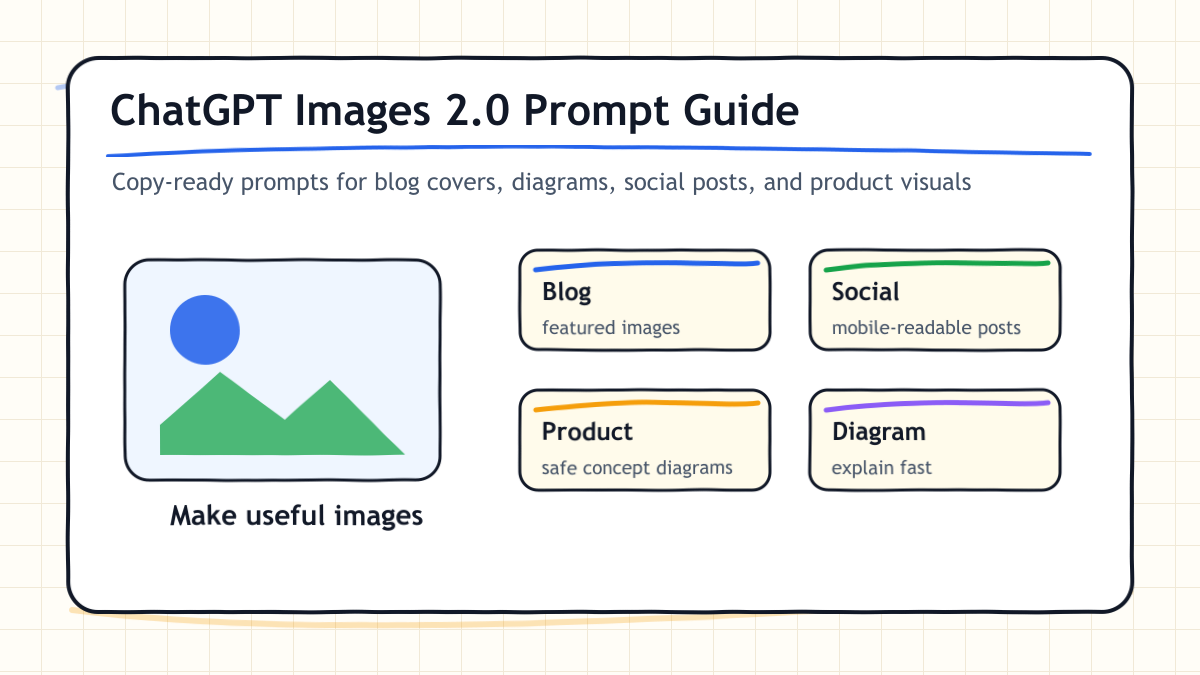
ChatGPT Images 2.0 is not just a way to make pretty pictures.
Used well, it becomes a practical visual production assistant for:
- blog cover images
- article diagrams
- social posts
- product explainers
- landing page concepts
- quick visual edits
The catch is simple: weak prompts create weak images.
This guide gives you copy-ready ChatGPT Images 2.0 prompts you can use today. It also includes Q&A, reader tasks, and a CTA so you can turn this into a real workflow instead of another saved article you never use.
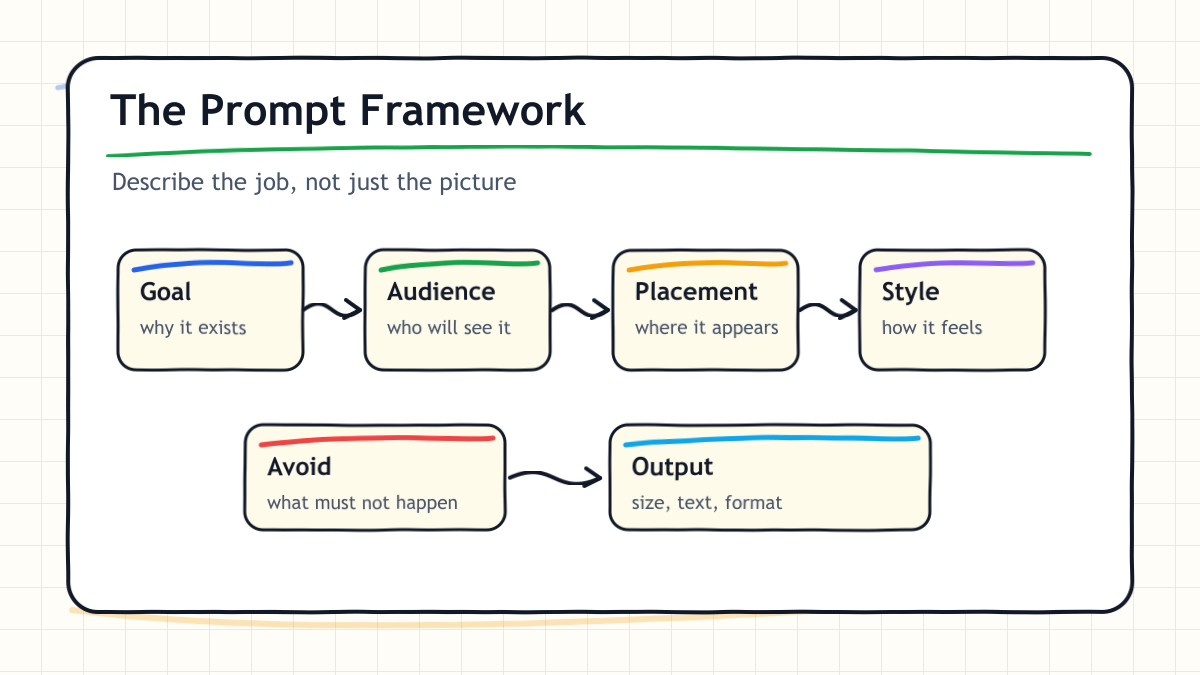
The Prompt Framework
Before the examples, use this structure.
Goal:
Audience:
Placement:
Image content:
Composition:
Style:
Color palette:
Text inside the image:
Avoid:
Output requirements:
This is the core rule:
Do not only describe the image. Describe the job the image must do.
Why This Works
Image generation becomes useful when the model understands context.
A WordPress cover, an X post, an ecommerce graphic, and a landing page hero all need different visual decisions. If you only say “make a cool image,” the model has to guess everything.
Instead, give it the use case, the viewer, the layout, and the constraints.
Prompt 1: Blog Cover Image
Use this when you need a featured image for a WordPress article.
Goal:
Create a featured image for a practical SEO article.

Audience:
Independent creators, bloggers, marketers, and AI tool users.

Placement:
WordPress featured image. Horizontal 16:9.

Image content:
The topic is "ChatGPT Images 2.0 Prompt Guide."
Put "ChatGPT Images 2.0" in large readable text.
Add five small cards around it: Blog, Social, Product, Diagram, Edit.

Composition:
Clean white background.
Large title in the center.
Five cards on the right.
Simple abstract image-generation icon on the left.

Style:
Refined, simple, beautiful, and easy to read.
Use a hand-drawn infographic style, but keep the layout clean.

Color palette:
White, black, blue, and a small warm yellow accent.

Text inside the image:
Keep text large and readable.
Do not add extra small labels.

Avoid:
Busy background, neon overload, tiny unreadable text, fake OpenAI logos, and real brand logos.

Output requirements:
Horizontal 16:9 image suitable for a blog cover.
Revision Prompt
If the first version looks messy, use this:
Reduce the information density by 30%.
Make the background cleaner and whiter.
Increase the text size.
Make only five labels stand out: Blog, Social, Product, Diagram, Edit.
Prioritize readability over decoration.
Prompt 2: Article Diagram
Use this when your article needs to explain a process.
Goal:
Create an explanatory diagram for a blog article.

Audience:
Readers who are new to ChatGPT Images 2.0.

Placement:
Inside a WordPress article. Horizontal image.

Image content:
Explain "the 5 parts of a good image prompt."
The five parts are: goal, audience, composition, style, constraints.

Composition:
Left-to-right five-step flow.
Each step should be a card.
Each card should include a short heading and one short line of explanation.

Style:
Simple hand-drawn infographic.
Wide spacing.
Use lines, arrows, and cards.

Color palette:
White background, black text, blue accent.

Text inside the image:
Short English labels only.
Large readable text.

Avoid:
Photo-realistic style, heavy decoration, tiny labels, and over-detailed illustrations.

Output requirements:
The reader should understand the five-part framework in three seconds.
Cleanup Prompt
Make this look more like an infographic and less like an illustration.
Reduce decoration.
Make all five cards the same size.
Increase the label size.
Use more white space.
Prompt 3: Social Post Image
Use this for X, LinkedIn, Threads, or newsletter previews.
Goal:
Create a social media image for a short post.

Audience:
Creators who want to use AI images in real work.

Placement:
X / LinkedIn post image. It must be readable on mobile.

Image content:
Main headline: "AI images are won by prompt design."
Small subtext: "Goal. Audience. Composition. Style. Constraints."

Composition:
Large headline in the center.
Five prompt elements under it.
Plenty of whitespace.

Style:
Minimal, strong, and easy to scan.
Hand-drawn infographic feel.

Color palette:
White background, black text, blue accent.

Avoid:
Long paragraphs, busy background, people, fake logos, and tiny text.

Output requirements:
The headline must be readable on a phone screen.
Post Copy Prompt
After the image is created, ask:
Write 3 social post captions for this image.
Requirements:
- English
- under 180 characters each
- not hypey
- include one line that invites readers to open the full guide
Prompt 4: Product or Review Graphic
Product reviews are risky if AI-generated images look like real product photos.
So use generated images for concept diagrams, not fake evidence.
Goal:
Create a concept diagram for a product review article.

Audience:
Business users who want to understand a workflow quickly.

Placement:
Inside a product review article.

Image content:
Show a workflow for an AI voice recorder:
recording -> transcription -> AI summary -> meeting notes -> sharing.

Composition:
Five-step horizontal flow.
Use abstract device icons and text cards.
Do not make it look like an official product photo.

Style:
Clean business infographic.
Hand-drawn lines and arrows, but polished enough for a professional article.

Color palette:
White, gray, blue.

Text inside the image:
Short English labels.

Avoid:
Do not recreate a real product.
Do not imitate official product photography.
Do not create exaggerated before/after claims.

Output requirements:
Safe concept diagram for a product review.
Disclosure Line
If you use AI-generated graphics in a product review, add a line like this:
Note: This is a concept diagram created to explain the workflow. It is not a product photo.
Prompt 5: Landing Page Concept
Use this when you want fast visual directions for a SaaS landing page.
Goal:
Create 3 landing page hero concept images for an AI tool.

Audience:
Solo founders, product teams, and AI operations leads.

Placement:
SaaS landing page first-view concept.

Image content:
Fictional AI agent management tool.
Main headline: "Your AI Agents, Finally Under Control"
Subcopy: "Monitor, assign, and improve every agent workflow from one dashboard."

Composition:
Create 3 different visual directions:
1. trust-first B2B
2. fast automation
3. developer dashboard

Style:
Refined B2B SaaS design.
Simple and easy to understand.
Hand-drawn planning-board feel, but not childish.

Color palette:
White, black, blue, gray.

Avoid:
Overdone 3D, unreadable text, abstract blobs, fake logos, and clutter.

Output requirements:
3 comparable concepts that can guide an actual landing page design.
Evaluation Prompt
Compare the 3 concepts.
Score each from 1 to 10 for trust, readability, and click appeal.
Choose the most practical option.
Then write an improved prompt for the winning direction.
The 3-Round Revision Loop
Do not use the first image unless it is genuinely strong.
Most practical outputs improve after three simple revision rounds.
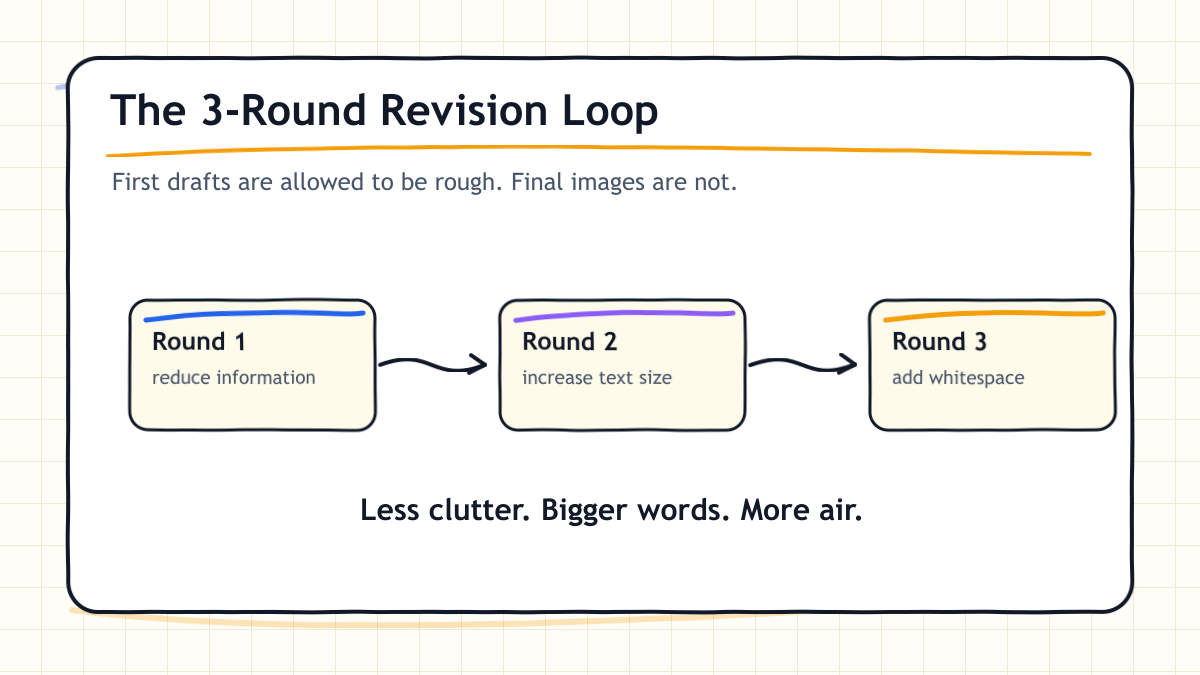
Use this loop:
Round 1: Reduce information density.
Round 2: Increase text size.
Round 3: Add more whitespace.
This is the easiest way to avoid “AI slop.”
Q&A
Q1. Can I use ChatGPT Images 2.0 for free?
OpenAI’s announcement says ChatGPT Images 2.0 is available across ChatGPT plans. However, limits, quality, and advanced features can vary by plan. Always check the latest official OpenAI plan details before building a workflow around it.
Q2. What is Images with thinking?
It is the more deliberate mode where the system can plan before creating the image. It is useful when the image needs structure, research, or multiple design directions.
Q3. Is it good for text inside images?
It is better than older image models, but you still need to check the output. For important images, inspect every word before publishing.
Q4. Can I use it for product reviews?
Yes, but be careful. Use generated visuals for concept diagrams, not fake product photos. If the image is not a real photo, say so.
Q5. What should bloggers use it for first?
Start with featured images and article diagrams. Those two use cases improve readability quickly and fit naturally into SEO articles.
Reader Tasks You Can Do Today
Do not just read this article. Run the workflow.
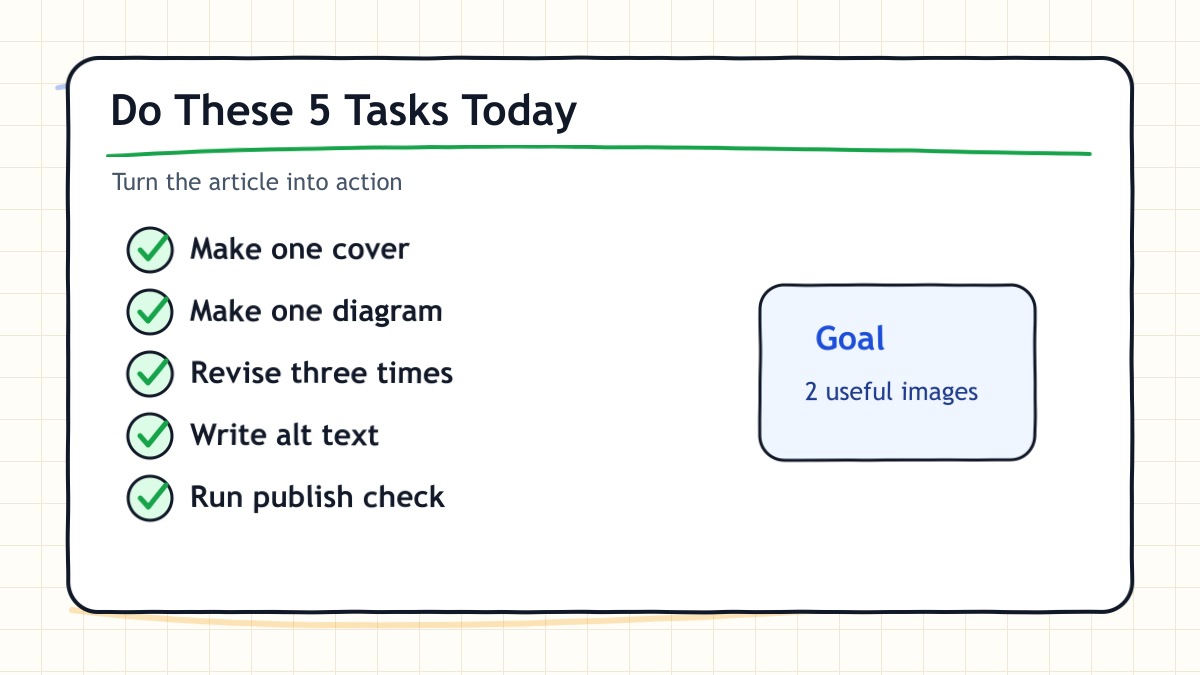
Task 1. Make One Blog Cover
Copy the blog cover prompt above.
Replace the topic with your current article title.
Your goal is not perfection. Your goal is to produce one usable first draft.
Task 2. Make One Diagram
Pick the hardest part of your article.
Turn it into one of these:
- a five-step flow
- a comparison table
- a checklist
Task 3. Revise It Three Times
Use the three-round loop:
1. Reduce information density.
2. Increase text size.
3. Add more whitespace.
Task 4. Write Alt Text
After the image is ready, ask:
Write 3 SEO-friendly alt text options for this image.
Requirements:
- English
- under 90 characters
- describe the image clearly
- include the target keyword naturally
Task 5. Do a Publish Check
Before publishing, check:
- Is the text readable?
- Does the image match the article?
- Could readers mistake it for a real product photo?
- Does it look good on mobile?
- Does it add understanding, not decoration?
CTA: Your Next Move
ChatGPT Images 2.0 is easy to try.
The harder part is turning it into a repeatable publishing workflow.
Start with two prompts from this article:
- the blog cover prompt
- the article diagram prompt
Use both today. Add one cover and one diagram to your next post.
If you build AI tools, image tools, writing tools, or WordPress workflows and want hands-on coverage for practical operators, visit:
Related
- ChatGPT Images 2.0 Overview
- 2026 Guide: Fully Automated AI Agent Workflows for Blog Monetization
- Google Stitch Review 2026
- Affiliate and Sponsorship Disclosure
コメント