

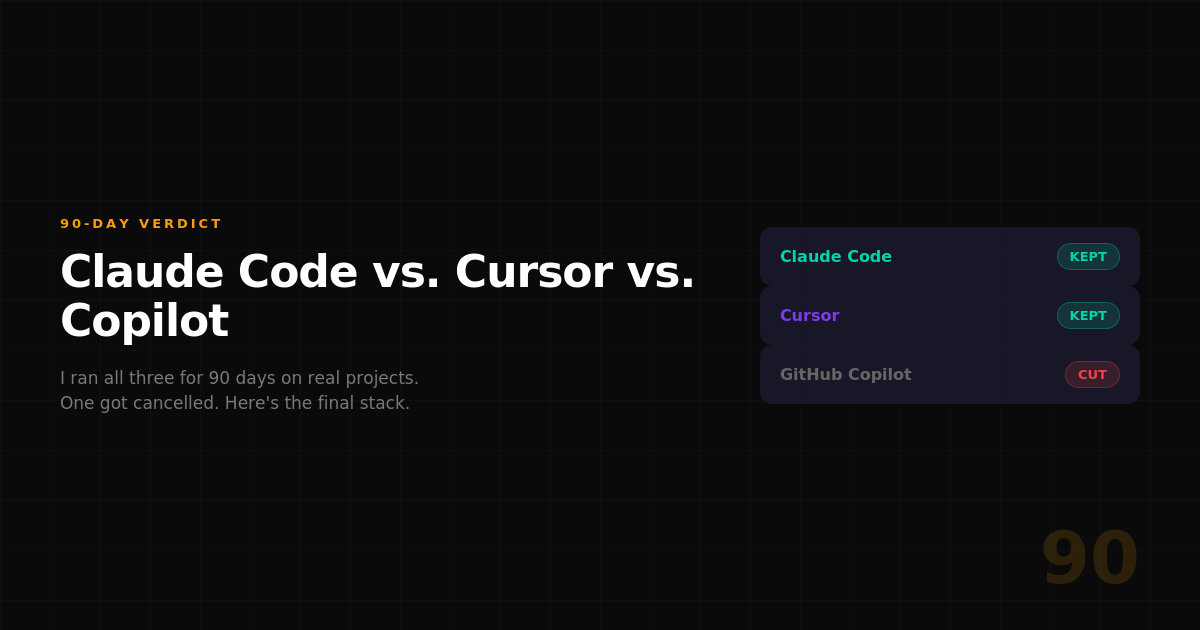
I Tested Claude Code, Cursor, and Copilot for 90 Days — Here's My Final Verdict
Three months ago, I committed to running all three major AI coding tools side by side across every project I shipped. Not benchmarks. Not toy demos. Real production work — articles, automations, web assets, data scripts, and sponsor deliverables.
I already wrote about the first 30 days. That piece became my highest-earning article on Medium. But 30 days wasn't enough. Tools evolve. Habits form. The real verdict only shows up when you stop experimenting and start relying.
Here's where I landed after 90 days.
The Setup
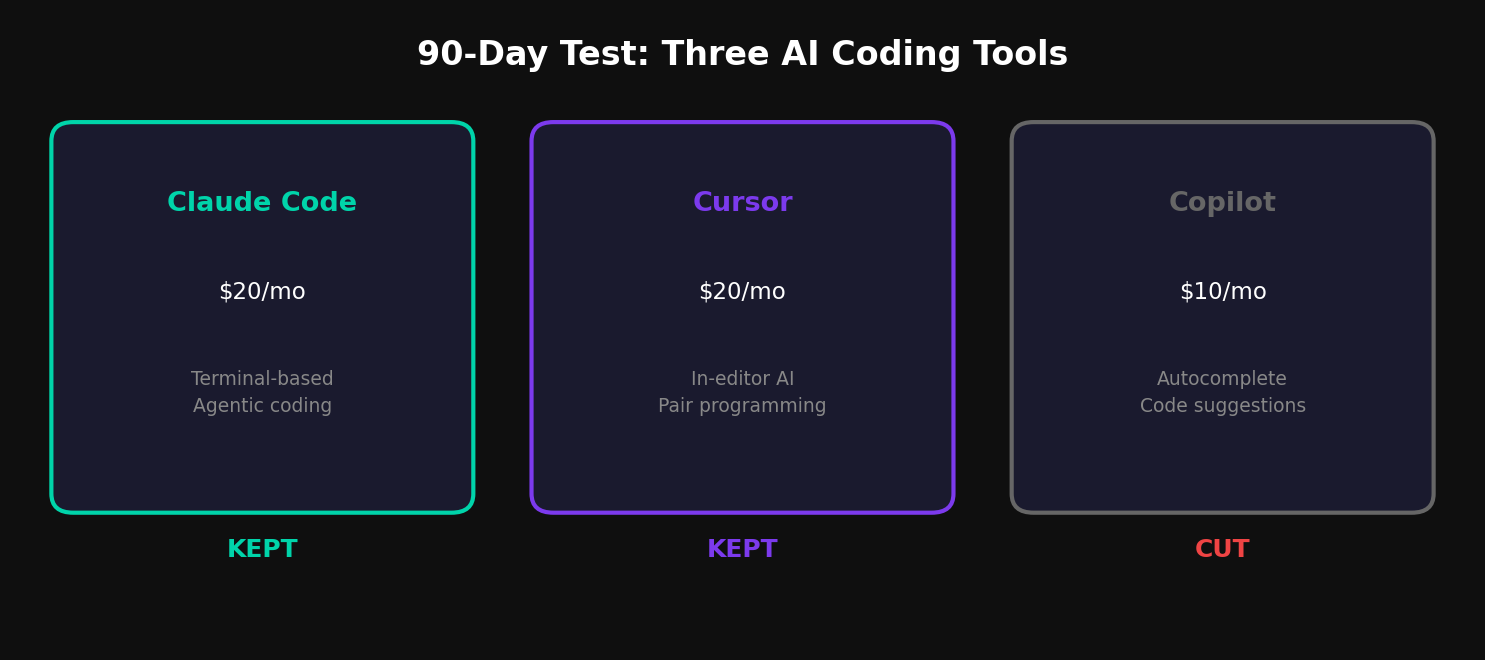
Claude Code — Anthropic's terminal-based agentic coding tool. Runs Claude Sonnet or Opus under the hood. I used it through Claude Pro ($20/mo) and occasional API access.
Cursor — AI-native code editor built on VS Code. Ships with its own model router plus Claude and GPT integrations. Pro plan at $20/mo.
GitHub Copilot — Microsoft's autocomplete-focused tool, integrated into VS Code. Individual plan at $10/mo.
Total cost of running all three: $50/month. The question was which two I could cut.
What Each Tool Actually Excels At
After 90 days, the differentiation became sharp.
Claude Code wins at architecture. When I need to scaffold a new project, refactor across multiple files, or debug a complex interaction between components, Claude Code is the only tool that holds the full project context in its head. It reads your codebase, proposes changes across files, and executes them — all from the terminal. No copy-pasting snippets between chat and editor.
Cursor wins at in-editor flow. For the kind of work where you're inside a file, writing function by function, and want inline suggestions that are aware of your project structure, Cursor is faster than Claude Code. The tab-to-accept flow is seamless. It feels like pair programming with someone looking over your shoulder who actually read the docs.
Copilot wins at nothing. This is the hard truth after 90 days. Everything Copilot does, Cursor does better. The autocomplete suggestions are less context-aware, the chat is less capable, and the integration is no deeper despite being in the same editor. Copilot was revolutionary in 2022. In 2026, it's the baseline that everyone else has surpassed.
The 90-Day Scorecard
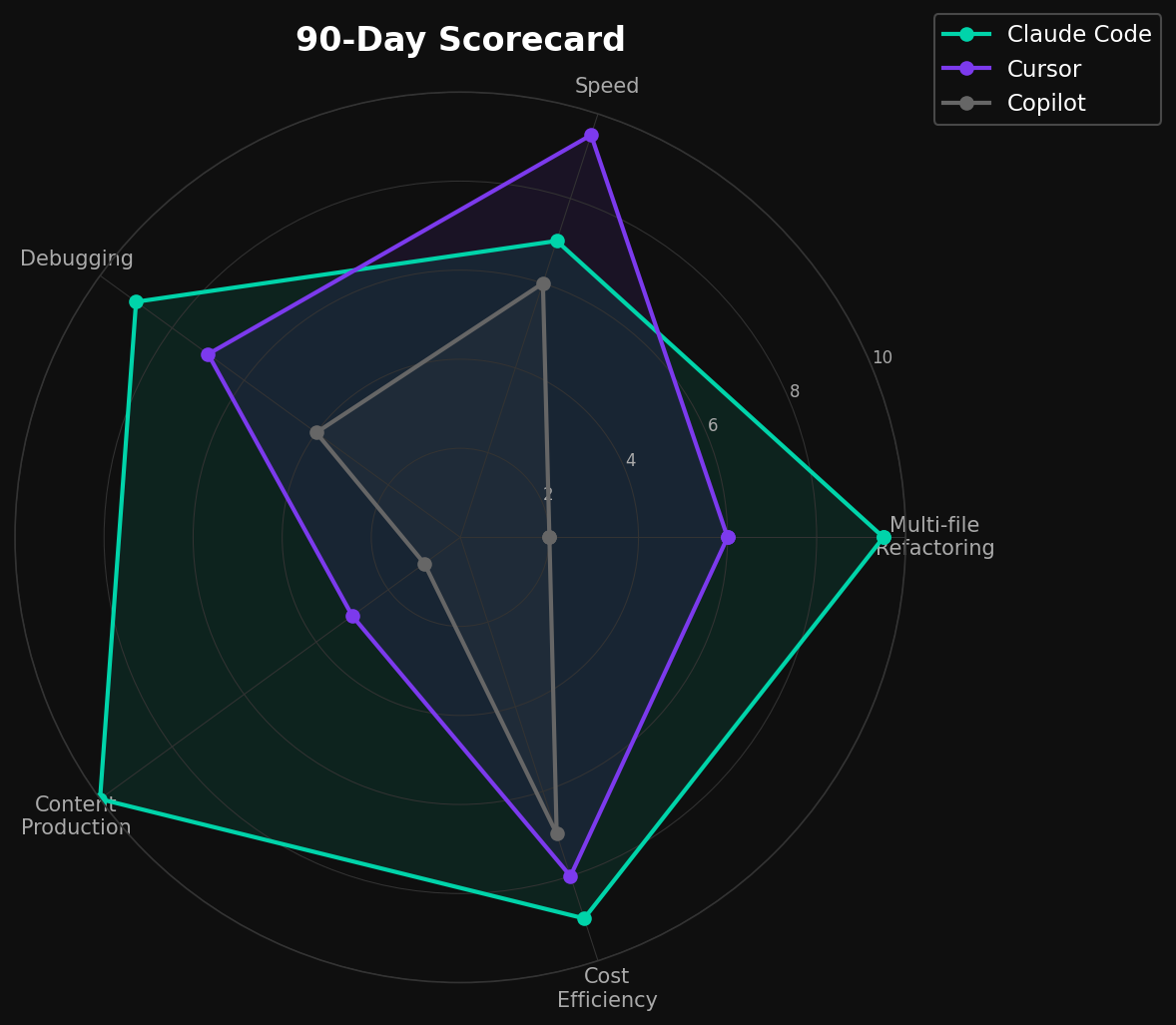
I tracked five categories across all three tools:
Multi-file refactoring: Claude Code dominated. It's the only tool that can read an entire project, understand the dependency graph, and make coordinated changes across 10+ files without losing track. Cursor can do this in theory, but in practice I found myself correcting drift after 3-4 files. Copilot can't do this at all.
Speed of iteration: Cursor wins. The in-editor experience eliminates the context switch between thinking and implementing. Claude Code requires you to describe what you want, then wait for execution. For rapid prototyping — writing a function, testing it, adjusting, testing again — Cursor's feedback loop is tighter.
Debugging: Claude Code wins again. When something breaks, I paste the error into Claude Code and it reads the relevant files, traces the issue, and proposes a fix — often in one shot. Cursor's debugging is good but often requires more prompting to get the full picture. Copilot's chat-based debugging is mediocre.
Content production workflows: Claude Code wins by a wide margin. This is my specific use case: generating thumbnails, charts, SEO metadata, and article drafts in a single session. No other tool comes close because no other tool combines code execution with long-context reasoning in a single conversation.
Cost efficiency: Claude Code at $20/mo (via Claude Pro) vs. Cursor at $20/mo vs. Copilot at $10/mo. But the real cost is time. Claude Code saves me roughly 2 hours per article on visual generation alone. Over a month of publishing, that's 24+ hours recovered. The $20 pays for itself by day three.
What I Cancelled
Copilot went first, at the 45-day mark. I realized I hadn't opened it intentionally in two weeks. Every time I reached for AI assistance in the editor, I was using Cursor. Copilot had become background noise — autocomplete I occasionally accepted but never sought out.
Cursor I kept. For pure coding sessions — building features, writing scripts, editing existing code — Cursor's in-editor flow is genuinely better than alt-tabbing to a terminal.
Claude Code I kept. For anything that requires reasoning about a project as a whole, or producing artifacts beyond code (images, documents, analysis), Claude Code is irreplaceable.
Final stack: Claude Code + Cursor. $40/month total.
The Verdict
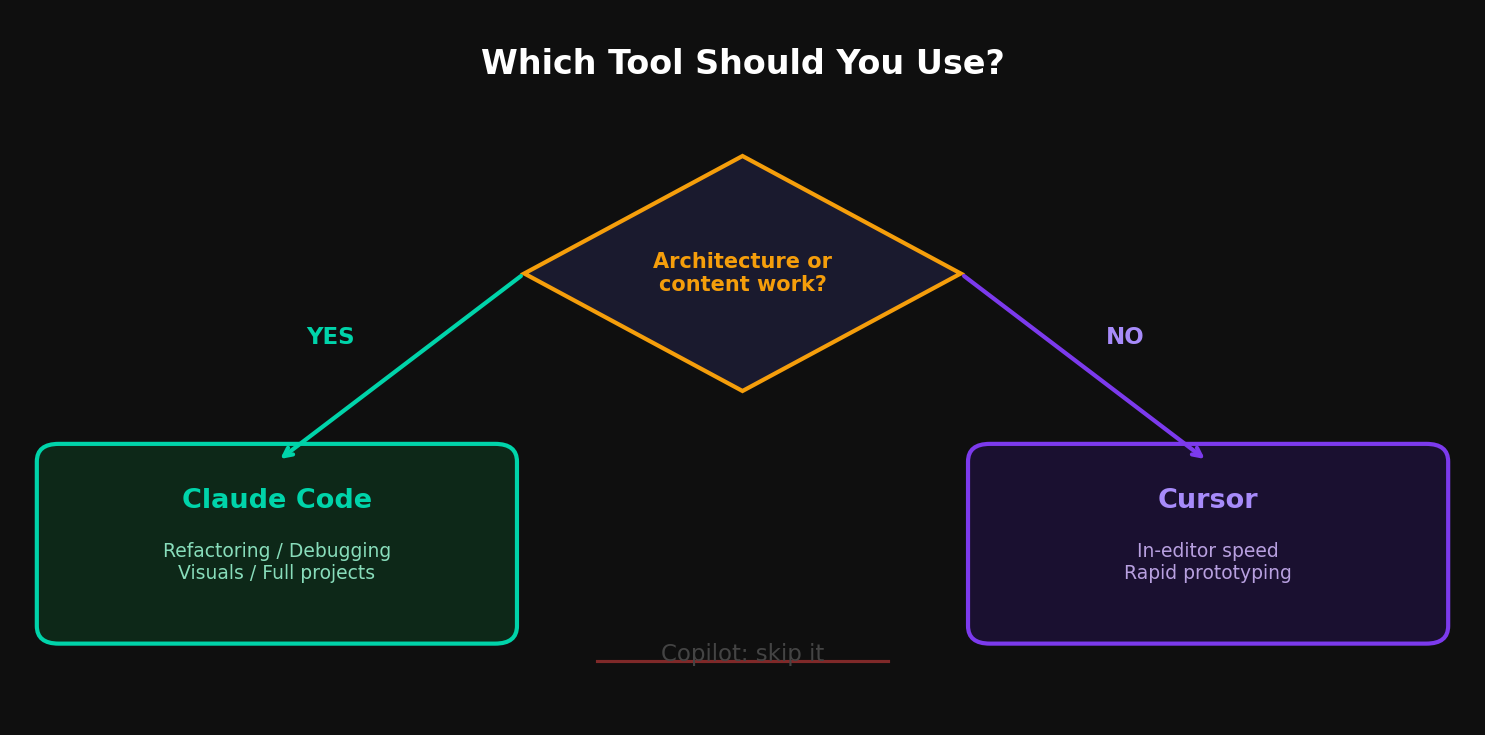
If you can only pick one: Claude Code. It handles the widest range of tasks, from architecture to content production, and the terminal-based workflow scales to any project size.
If you can afford two: Claude Code + Cursor. Use Cursor for in-editor speed and Claude Code for everything else. They complement rather than overlap.
If you're still on Copilot alone: you're leaving capability on the table. The AI coding landscape moved past autocomplete in 2025. It's time to catch up.
Oliver Wood writes about AI tools, content production systems, and the Chinese AI ecosystem. Follow on Medium @oliver_wood or on X.

コメント