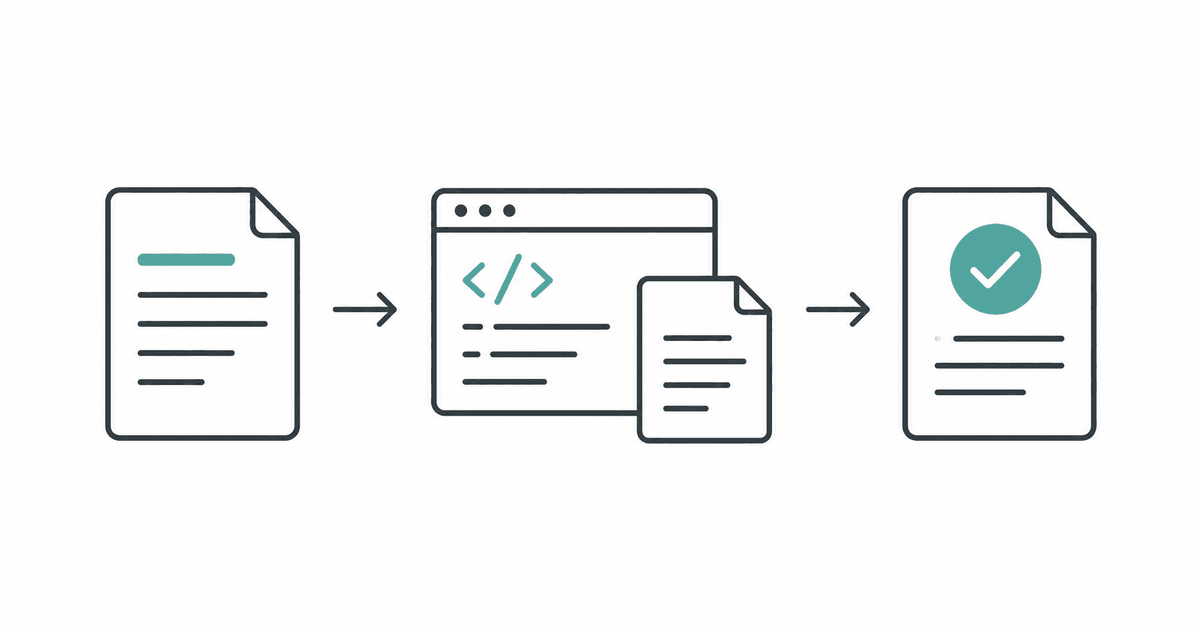
GPT-6.1 Sol is OpenAI's model for complex coding and professional work, with API identifier gpt-6.1-sol. Official model specification Try it on a deliverable you expect to revise, such as an implementation plan, a bounded software patch, or a report assembled from several sources, and check the effort needed to finish.
This guide explains access, specifications, API pricing, and four exercises you can inspect yourself. Details were checked on October 30, 2026. The prompts and exercise below are original suggestions, and the sample answer is an answer key. No paid API call or Sol benchmark was performed for this guide.
| Reader question | Practical answer |
|---|---|
| When should I try Sol? | Choose a complex deliverable with several inputs and clear acceptance criteria. |
| How should I start? | Supply a small source pack, define a finished artifact, and inspect one complete attempt. |
| What should I measure? | Count accepted results, corrections, review time, retries, and the full cost of finishing. |
- Choose Sol for work you expect to revise
- Separate API capacity from the app workspace
- Make each revision respond to a specific check
- Try four exercises with inspectable results
- Price the full attempt and its revisions
- Start with one bounded Responses API call
- Compare accepted artifacts before expanding usage
- Common questions
Choose Sol for work you expect to revise
Match the model to the work
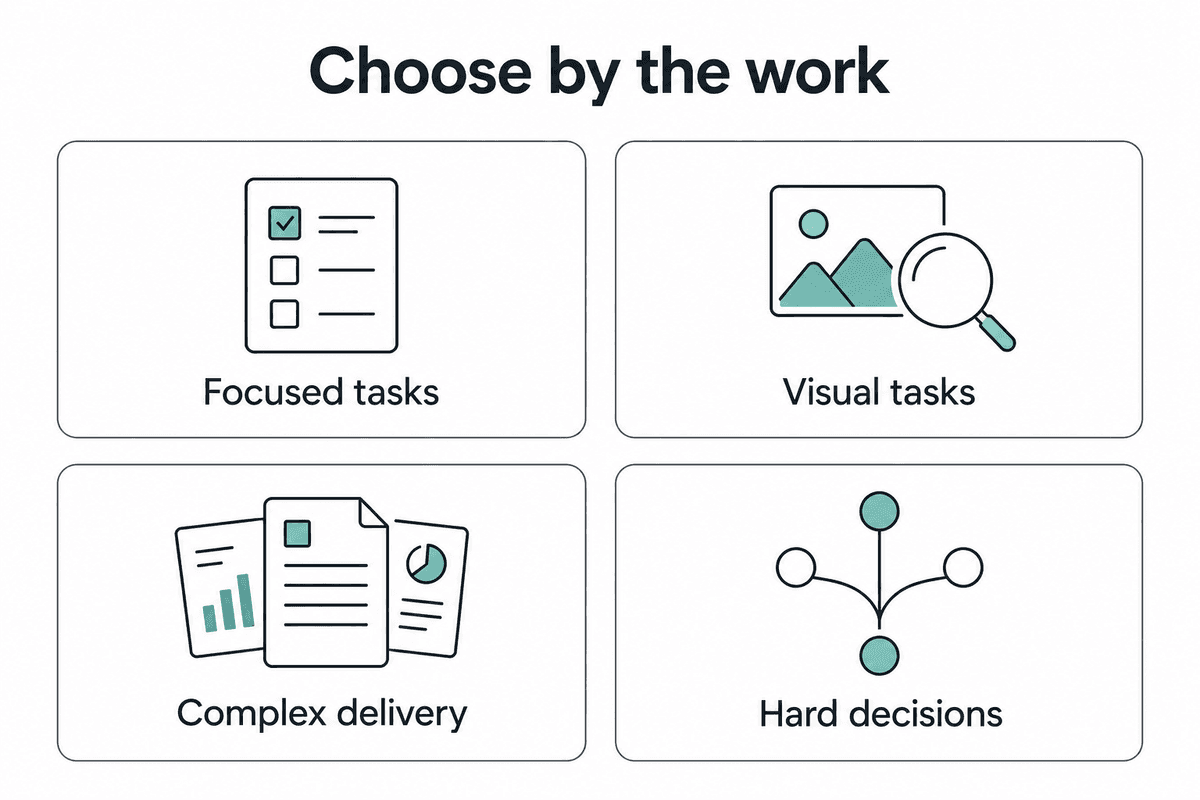
Sol is worth evaluating when a task has connected parts, meaningful constraints, and an output that will receive feedback. For example, a project plan must reconcile the brief with staffing and dates, while a code change must preserve existing behavior. OpenAI's selection guidance recommends considering Sol for complex projects where cost matters, and comparing it with Astra on the same task. Model selection guidance
Select Sol in Work or Codex, or use codex -m gpt-6.1-sol. Availability depends on the account and client. Max adds reasoning for a task, while Ultra can divide work among subagents. The Ultrafast speed tier is a separate control. Model and reasoning controls
GPT-6.1 Sol is available in ChatGPT Work and Codex rather than Chat. Enterprise and Edu administrators must enable the model, and access to the relevant work surface is also required. API access follows the models available to the API key. Plan and feature availability
Begin with material you can check without additional integrations. For tasks dominated by screenshots and visual review, the GPT-6.1 Terra guide offers another starting workflow. Use the same source material when comparing their usefulness.
Separate API capacity from the app workspace
The API specification and the capacity exposed by a work product are different. Context is the material available during a request, including room for reasoning and the result. Check the capacity when moving work between surfaces.
| Specification | Documented value or behavior |
|---|---|
| API context window | 1,050,000 tokens. |
| Maximum API output | 128,000 tokens. |
| Default Work and Codex context | 500,000 tokens. |
| Direct input and output | Text input and output; image input. |
| Direct audio and video | Unsupported. |
| API reasoning effort | low, medium, high, xhigh, and max; default medium. |
| Structured Outputs | Supported. |
These values come from the Sol model page. A larger context window does not make every supplied document relevant. Choose the smallest evidence pack that supports the deliverable, and reserve room for analysis and the result.
Sol does not support API reasoning effort none. Use the Responses API for tool calling; support for Chat Completions does not imply support for tools there. During migration, remove unsupported sampling parameters such as temperature and top_p when reasoning is enabled. GPT-6 migration guidance
Make each revision respond to a specific check
Define, produce, inspect, revise
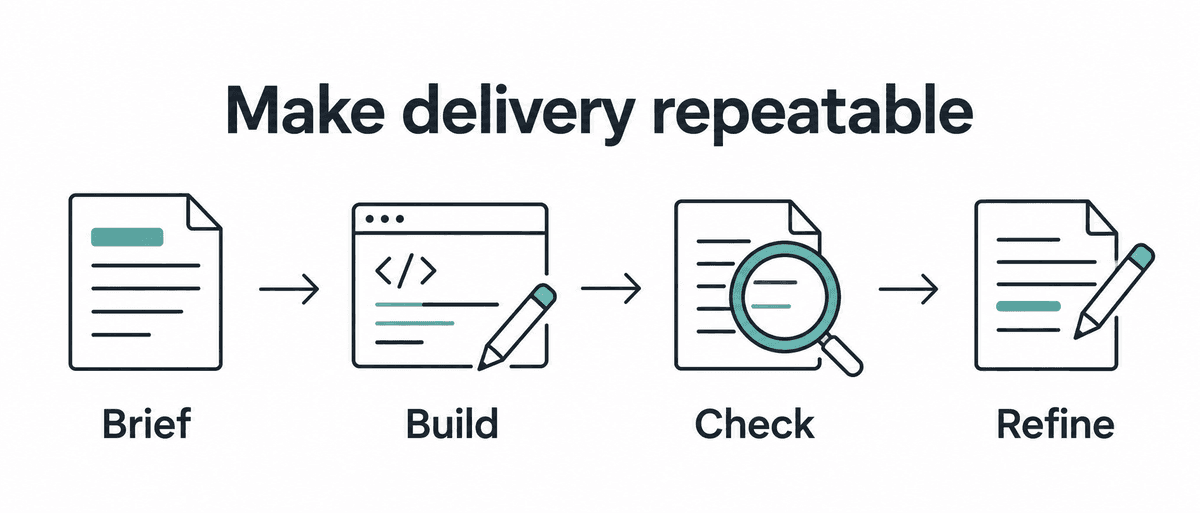
Start by defining the finished file or document and what would make it acceptable. Include the audience, required sections, source material, and decisions that remain unresolved. A request such as “make this useful” becomes easier to evaluate when “useful” means a schedule with dependencies, owners, evidence, and open decisions.
Inspect the first artifact against those criteria before requesting general polish. Record a concrete defect, such as an unsupported deadline or a missing regression case, then ask for a targeted revision. Preserve the successful parts and keep the original criteria visible across revisions.
Create [artifact] for [audience] using only [source pack].
The result must include [required parts] and satisfy [checks].
List contradictions and missing evidence without resolving them by guesswork.
Proceed with reversible drafting when the missing detail is nonblocking.
State any assumption that changes the result.
Finish with the artifact, checks performed, and decisions still needed.
After reviewing a draft, supply a short defect list. For example, request sources for two claims, replace an unrealistic dependency, and add a check for duplicate input. Keep the next attempt focused on those defects.
Try four exercises with inspectable results
Choose a deliverable you can verify
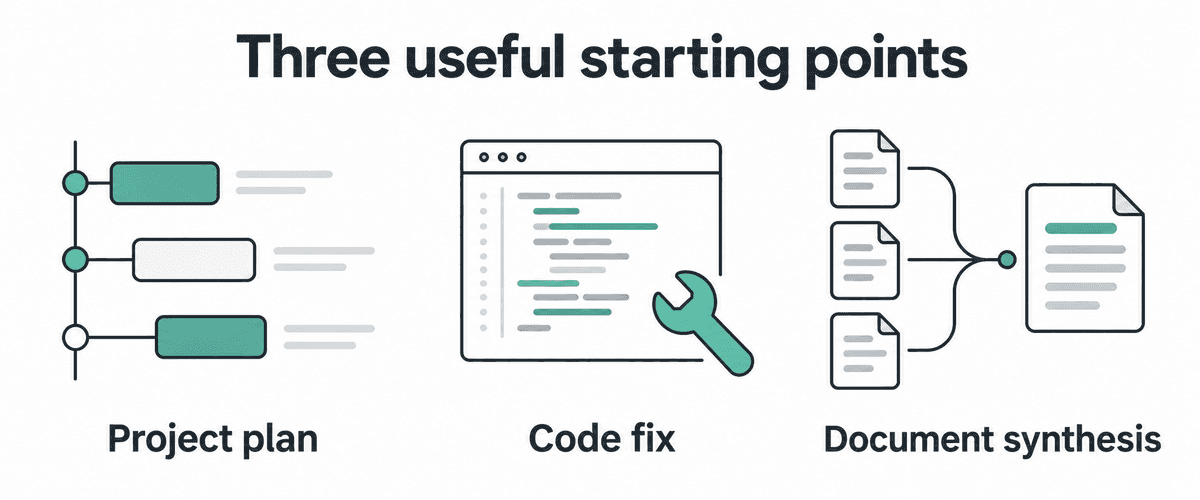
Turn a brief into an implementation plan
Give Sol a short product brief, a list of available people, and a delivery constraint. Ask for dependencies and acceptance criteria before asking it to implement anything. Review whether every proposed feature fits the evidence and whether the sequence could actually be executed.
Plan a small internal equipment-request app from this brief.
The first release needs request submission, an approval decision,
and a downloadable request history. Two developers have ten working days.
Authentication already exists. The storage choice is undecided.

Return a scope proposal, ordered milestones, dependencies,
acceptance criteria, and unresolved decisions.
Distinguish requirements in the brief from your suggestions.
Do not invent delivery estimates for tasks you cannot size.
Identify the smallest working version before proposing extensions.
The useful output is a plan someone can challenge. Check that the undecided storage choice remains visible and that authentication is treated as existing infrastructure. Use the review to remove speculative work before spending effort on code or visual polish.
Fix one reproducible software defect
Pick a bug with a fixture or a clear reproduction path, then provide the repository's instructions and affected files. Ask for the smallest change that addresses the failure and a check that would catch its return. Limit the task to the relevant behavior so the diff remains reviewable.
The importer creates a second record when the same request is retried.
Use this fixture to reproduce the failure in the current implementation.
Trace the cause, make a minimal correction, and run the relevant checks.

Preserve the documented API and existing valid inputs.
Report the commands actually run and the observed results.
If a check cannot run, explain the remaining uncertainty.
Stop before deployment or changes to production data.
Review the patch alongside the execution output. A reported passing test should point to a command and result, and the regression case should demonstrate the defect. The outcome-first prompting guide offers related acceptance criteria.
Reconcile conflicting source documents
Use this synthetic exercise to check whether the model preserves uncertainty. Assume these are the complete supplied records and that no document has priority over another. The exercise requires reconciliation, rather than selecting whichever statement seems most convenient.
Brief A: The pilot starts on November 12, 2026. It serves 20 users.
Notes B: The pilot starts on November 19, 2026. It serves 20 users.
Checklist C: Security review must finish before the pilot starts.
Checklist C: The security-review owner and completion date are unspecified.

Create a pilot-readiness memo using only these records.
Include agreed facts, conflicting facts, prerequisites, and open decisions.
Cite A, B, or C for every factual statement.
Do not choose between conflicting dates or assign an owner.
Finish with the decisions needed before a reliable schedule can be issued.
The expected memo preserves 20 users as an agreed fact, reports November 12 and November 19 as an unresolved conflict, and retains security review as a prerequisite. It leaves the review's owner and completion date unspecified. A response that chooses a launch date or invents an owner fails this exercise, even if the resulting memo reads smoothly.
Once the first memo is correct, supply an explicit decision resolving the date and request an updated schedule. Check that the revision uses that decision while preserving the remaining open questions. This tests whether a revision incorporates new evidence without silently rewriting earlier constraints.
Produce records that downstream software can validate
Start with a few short requests or meeting notes, and define the exact fields required by the next process. Include source IDs and an explicit representation for missing values. Inspect both the shape of each record and whether its contents match the source.
Convert the supplied requests into records with source_id, request,
owner, due_date, and unresolved_questions.
Use null for any missing owner or date; do not infer them from context.
Preserve the source ID so each field can be traced back.
Return only the records in the required format.
For an API integration, configure Structured Outputs with a JSON Schema through text.format. A valid schema gives software a predictable structure, but factual values and business rules still require checking; refusals and incomplete responses need handling too. Keep that validation separate from the user's prose prompt. Structured Outputs
For another model's document, code, and data exercises, see the Gemini 4 Argon practical guide. Compare accepted artifacts using a common task and rubric before drawing a conclusion about the models.
Price the full attempt and its revisions
Include the work around the answer
The following Standard API rates are in US dollars per 1 million tokens. They are separate from subscription allowances and credit billing. Check the current tariff before budgeting recurring use.
| Standard API component | Rate |
|---|---|
| Uncached input | $2.00. |
| Cached input | $0.10. |
| Cache write with 30-minute retention | $2.50. |
| Cache write with 12-hour retention | $5.00. |
| Output | $10.00. |
Fast uses twice the Standard API rates; Ultrafast uses six times those rates. Batch and Flex list half the Standard rates, subject to their operating conditions. Regional processing can add a 10% premium. API pricing
A hypothetical Standard request with 50,000 uncached input tokens and 5,000 billed output tokens costs $0.15 in tokens. This calculation excludes tools and other adjustments and is not a measured Sol bill.
Reasoning tokens are billed as output; use reported usage when estimating costs. Reasoning token accounting
API input above 272,000 tokens triggers double input and cache rates and 1.5 times the output rate for the whole request. Subscription usage in Work and Codex has no long-context surcharge. Keep the access route in your comparison. Sol pricing conditions
Cache writes replace the applicable input rate for those tokens; they are not an extra charge added to it. Reused prompt prefixes can help, but an ongoing conversation does not guarantee a cache hit. Inspect actual cache usage before assuming a discount. Prompt caching
Subscription speed multipliers also differ: Fast consumes included usage at 2.5 times Standard and purchased credits at twice Standard. Ultrafast uses eight times included usage or six times purchased credits and eligible pay-as-you-go usage. Work and Codex Ultrafast requires Pro $500 or eligible Enterprise/Edu access; administrator controls can apply. Speed and plan requirements
Start with one bounded Responses API call
Install the JavaScript SDK with npm install openai, and set OPENAI_API_KEY locally for an API project with Sol access. Save this as an .mjs file. The example was syntax-checked locally and was not executed against the paid API.
import OpenAI from "openai";

const client = new OpenAI();
const response = await client.responses.create({
  model: "gpt-6.1-sol",
  store: false,
  reasoning: { effort: "medium" },
  max_output_tokens: 32768,
  input: "Draft an equipment-request app implementation plan. " +
    "Include dependencies, acceptance criteria, and unresolved decisions. " +
    "Treat authentication as existing and storage as undecided.",
});

console.log(response.status);
console.log(response.output_text);
console.log(response.usage);
The call follows the documented Responses text-generation pattern. The cap includes reasoning and visible output. Check an incomplete status before retrying. Output limits and incomplete responses Reconsider the task scope and budget together when an answer cannot finish.
Use one well-understood request before adding tools, persistent state, or several agents. Each addition should solve an observed problem, such as retrieving a needed source or validating a generated file. Keep the response ID and usage alongside the deliverable so the evaluation remains auditable.
API content is not used for training by default unless you opt in. store: false requests that the response not be stored, but does not promise zero retention: abuse-monitoring logs and feature-specific storage can still apply. Check the controls for your API project, subscription workspace, and connected tools separately before supplying confidential material. API data controls
Compare accepted artifacts before expanding usage
Choose 10 representative tasks and keep the sources, prompts, reasoning settings, and permissions fixed. Include contradictory evidence, missing fields, and a task that cannot be completed from the supplied material. Decide the pass criteria before reading the outputs.
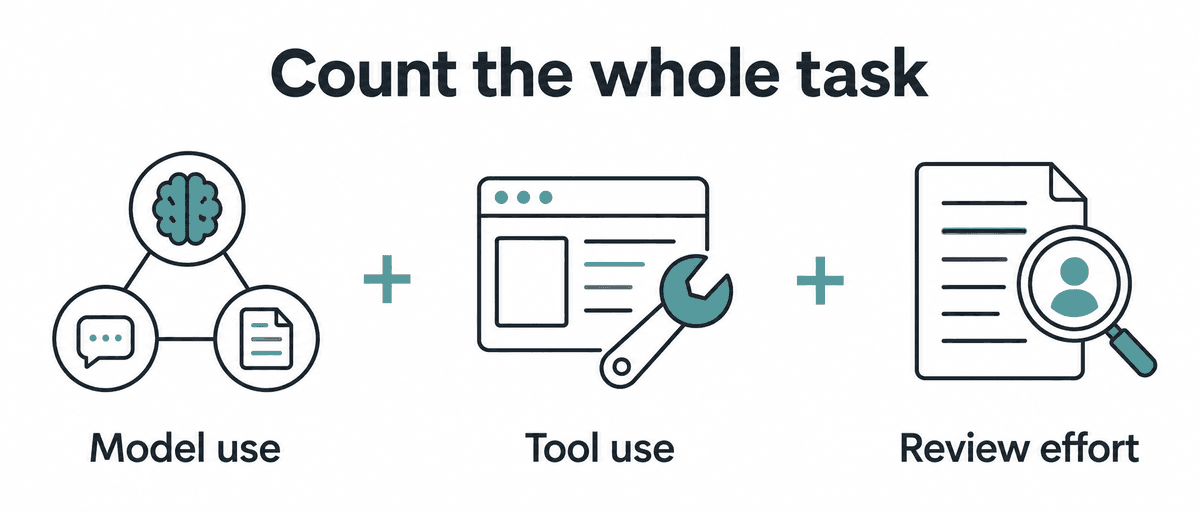
Record whether each artifact passes, how long review takes, which corrections are necessary, and how many attempts finish the job. Add elapsed time and the applicable API charges or subscription usage. A lower token price helps only when the complete workflow still meets the quality requirement.
Raise reasoning effort when a specific failure suggests the task needs deeper analysis, then repeat the same case. Try a faster tier when waiting is the bottleneck and the premium fits your budget. Keep the setting that improves the accepted result or the full workflow, and retain the evidence behind that decision.
Common questions
When should I increase reasoning effort?
Raise it when a concrete failure suggests insufficient analysis. Repeat the same case and check whether the extra work fixes that failure. Keep the change only when the accepted result justifies its additional time and usage.
Should I upload every project document?
Start with the records needed for the deliverable. Include source IDs and conflicting evidence, then add material when review identifies a specific gap. A compact evidence pack is easier for you to audit across revisions.
Does choosing Max also enable Ultrafast?
Max adds reasoning, Ultra can coordinate subagents, and Ultrafast changes the processing tier and cost. Choose each setting for the problem it solves. Reasoning controls, Speed controls
Can Sol browse or change files after a text-only API call?
Your application must configure and execute the relevant tool workflow. The starter above only requests text and supplies no tools. Specify the allowed systems, verification checks, and stopping conditions before expanding it. Tool-calling requirements
How can I tell whether Sol saves money on my work?
Compare the cost of obtaining an accepted artifact, including failed attempts and human review. Use the same task and acceptance criteria across settings or models. A cheaper request that requires substantial correction may be the more expensive way to finish.
Choose one exercise, save the source pack, and inspect the first completed artifact. Use the resulting defects to guide a targeted revision. Expand to a larger workflow only after the accepted result and the cost of reaching it are both clear.
For a separate guide to difficult decisions and conflicting evidence, read the GPT-6 Astra practical guide. Its source-precedence exercise provides another known-answer task you can use with the same evaluation method.
Choose another model guide or browse the AI Models collection.
コメント