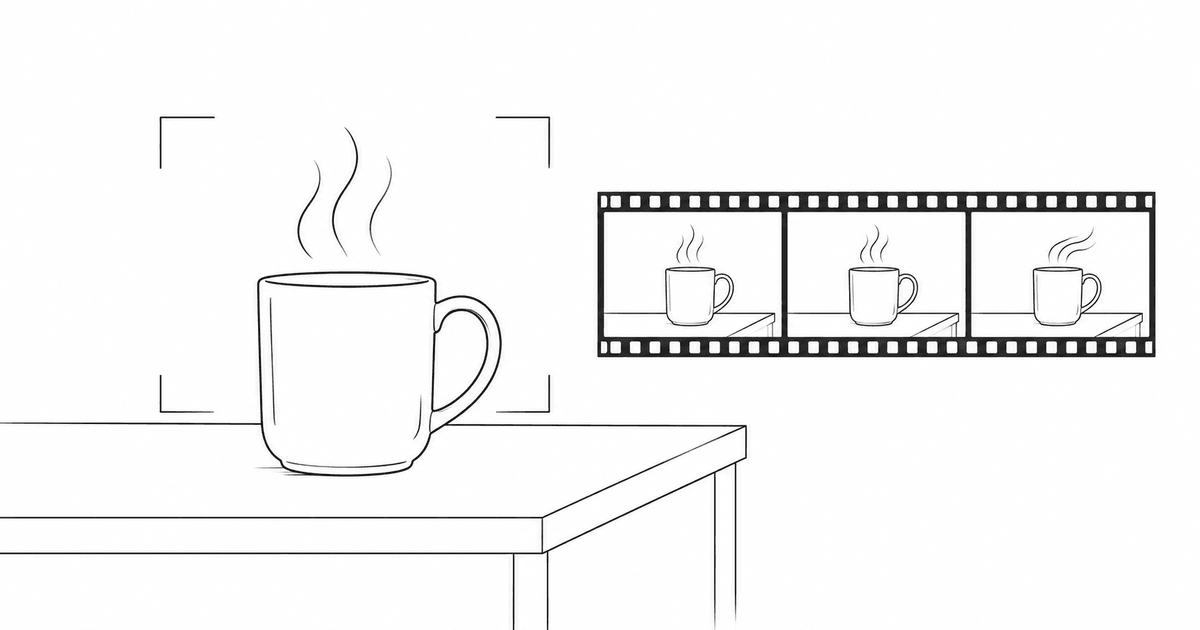
Seedance 2.5 is easier to evaluate when you start with one short shot and a clear definition of success. This guide walks through a 10-second coffee video, then shows how to use references, request a targeted edit, plan a longer sequence, and record what each attempt costs. The aim is a clip you can inspect and reuse, with enough information to decide what to change next.
ByteDance announced Seedance 2.5 on July 31, 2026. Its official materials describe audiovisual generation up to 30 seconds, multimodal references, and timestamp-based editing. These are documented capabilities; the workflow below turns them into a small exercise. ByteDance announcement
Product information was checked on November 1, 2026. This guide combines official documentation with original, untested prompt templates and conceptual diagrams. Output quality, waiting time, billed cost, and access through an individual account remain unmeasured.
Choose an official route before choosing settings
Confirm the exact model and the price shown in your account before you generate.
Check the model, settings, and cost
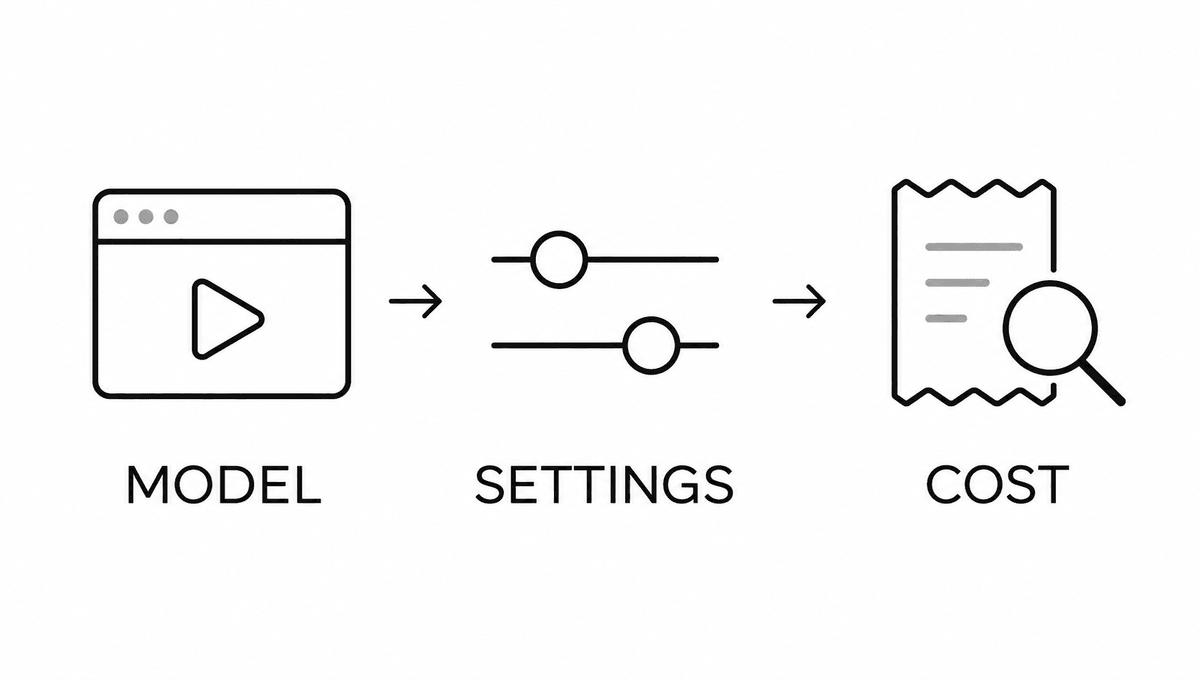
Dreamina is a practical starting point for a browser-based exercise. Its official instructions describe opening AI Video, optionally adding a reference with the plus control, choosing Dreamina Seedance 2.5, setting the aspect ratio and duration, and generating a clip. Preview, editing, and download follow in the same workspace. Interface wording can differ by region and account. Dreamina instructions
BytePlus ModelArk is another official route, with a playground and an application programming interface, or API, for automation. BytePlus announced ModelArk availability on August 6, 2026. Use its documentation when you are ready to build a repeatable pipeline; a first creative exercise does not require writing API code. BytePlus release
| Route | What to confirm before proceeding |
|---|---|
| Dreamina | Check that Seedance 2.5 appears, then review the available duration, resolution, credit quote, and download options. |
| BytePlus ModelArk | Check model activation, regional availability, the model identifier, supported parameters, and API billing. |
ModelArk activation has USD 30 qualification conditions involving verified credits or eligible plans and resource packs. This is a model-access requirement, separate from the price of a generation; review the current conditions before funding an account. Model activation guide
For readers in Japan, BytePlus lists Japan among supported markets for services outside its Restricted Models category. It also states that regional versions differ and availability is determined at purchase. Confirm the actual model access offered to your account. International availability
Record your route and model name now. If Seedance 2.5 is missing, resolve access before adapting a tutorial to a different model.
Make one 10-second shot you can judge
Use a simple subject so you can see whether the model follows the brief.
Plan the beginning, movement, and ending
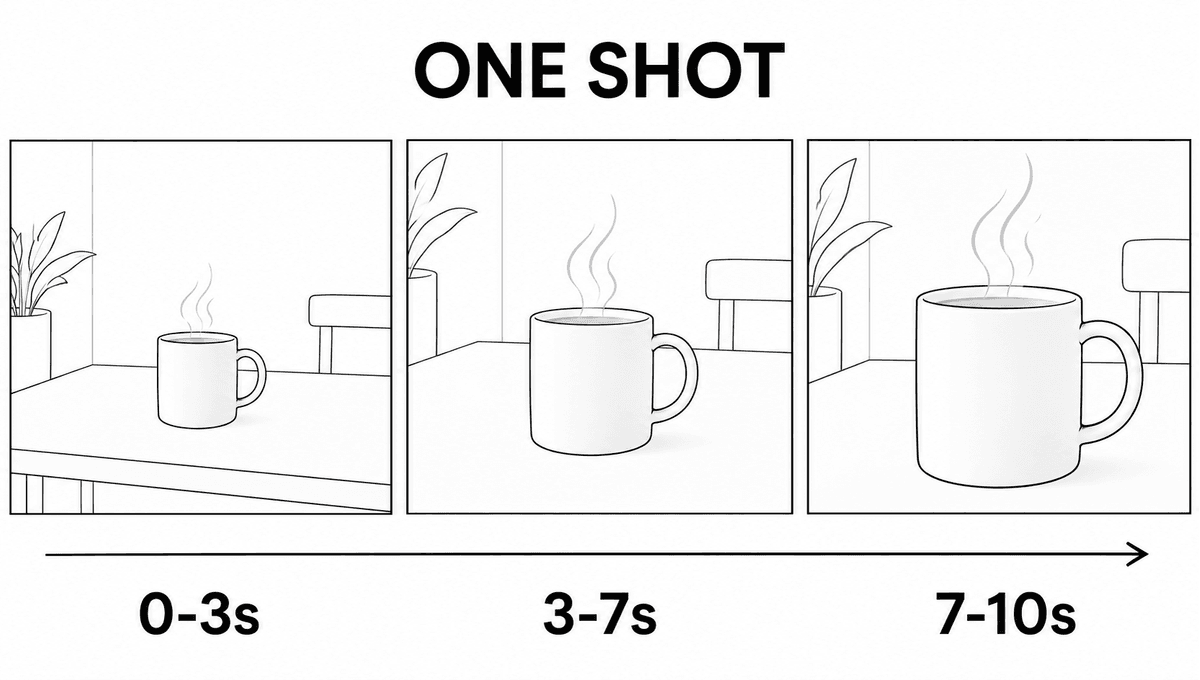
The exercise is a short clip of an unbranded ceramic mug beside a window. It uses no face, dialogue, logo, or readable product label. That leaves three things to inspect: the mug stays the same, the camera moves smoothly, and the steam looks plausible.
Set a small brief
Use the following as proposed starting settings, adjusting them to options your account actually offers.
| Setting | Starting choice for this exercise |
|---|---|
| Duration | Choose 10 seconds if available. |
| Aspect ratio | Choose 16:9 for a landscape article or website clip. |
| Resolution | Start at 720p if offered; use an available lower setting if you prefer a smaller initial spend. |
| Audio | Request quiet room ambience; select silent output if offered and sound is unnecessary. |
| References | Begin with text only, or use one owned mug photograph for the reference exercise below. |
Changing the settings in the interface matters. A duration or aspect ratio written inside a prompt may not override the controls selected outside it.
Copy the first prompt
This template describes a continuous shot. Its time ranges organize the requested action; they do not promise frame-accurate execution.
Create a 10-second, 16:9 photorealistic video in one continuous shot.

Subject: one plain white ceramic mug with a rounded handle on its right,
standing on a light wooden table beside a window.

Scene: a quiet room in soft morning daylight. Keep the mug's shape,
handle, surface and position consistent throughout.

0-3 seconds: establish a medium view of the mug and table.
3-7 seconds: move the camera slowly forward while a thin stream
of steam rises naturally.
7-10 seconds: ease the camera to a stop. Keep the whole mug visible
and hold a clean ending for an editorial cut.

Keep exposure and focus transitions gentle. The mug stays stationary.
Use subtle room ambience without speech or music.
Exclude captions, logos, additional objects and scene cuts.
Generate one candidate, then watch the whole clip before changing the prompt. Pause near the beginning, middle, and end to compare the handle, rim, and silhouette. Save the original wording with the result so the next attempt has a reliable starting point.
Use a pass condition
A useful candidate keeps the mug recognizable, follows the requested movement, and has a usable opening and ending. Choose the next change from the largest visible problem. If the handle deforms, simplify the camera movement; if the mug is stable but the shot feels static, change only the requested motion.
For a vertical adaptation, select 9:16 in the interface and rewrite the framing to keep the entire mug inside the portrait view. Treat that as a separate composition. A landscape result cropped afterward may lose the handle or the intended negative space.
Give each reference a clear job
Add a reference when you need to specify an appearance or movement that words leave ambiguous.
Separate the subject, lighting, and movement
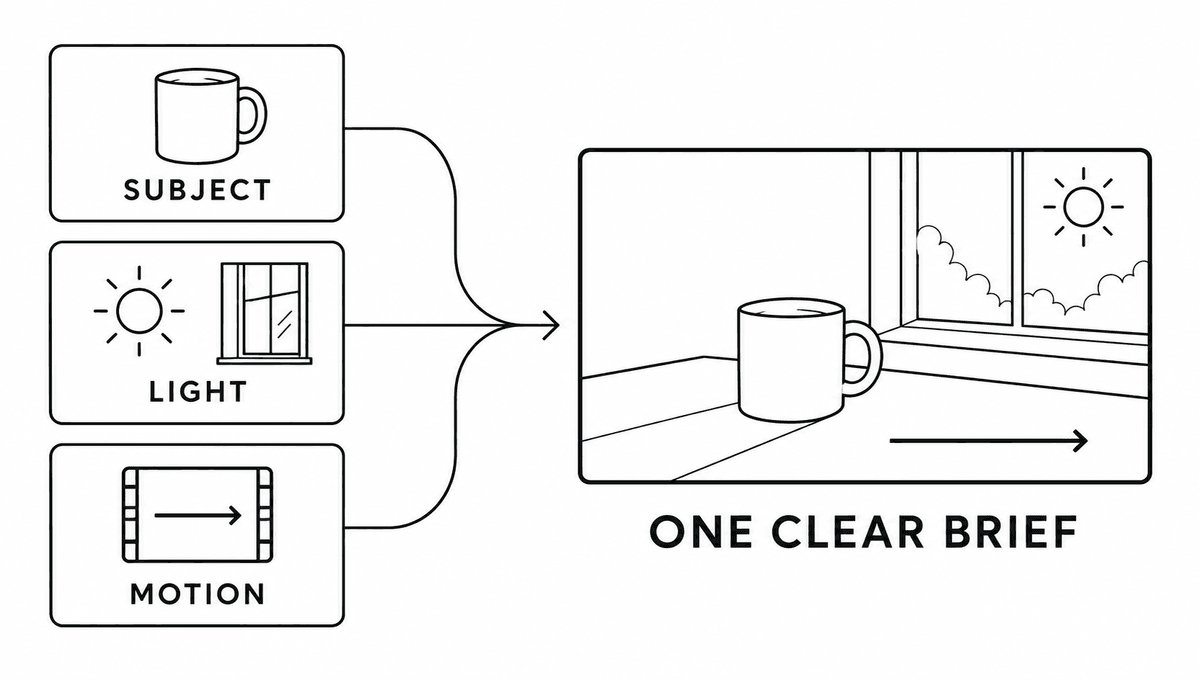
ByteDance describes support for up to 30 image, 10 video, and 10 audio references. That ceiling is a model capability, not a reason to upload every available file. For the first exercise, propose one mug image, inspect its effect, and add another reference only when it resolves a specific uncertainty. Reference capabilities
A reference plan makes the intended use explicit.
| Reference | Intended role in the brief |
|---|---|
| Your mug photograph | Define the mug's shape, handle, material, and surface. |
| An owned lighting photograph | Define the direction and softness of the light. |
| An authorized camera-movement clip | Define camera motion while leaving subject identity to the mug image. |
Crop distracting objects out of the source image before uploading it. Check that the handle and rim are visible, then decide whether the image should define the first frame or serve as a visual reference. Those are different controls; select the mode that matches your intention.
Try an image-guided prompt
Attach your image through the interface. Where the service provides an asset picker or reference token, bind the wording below to that uploaded image.
Use the attached mug photograph as the reference for the mug's
shape, handle, material and surface appearance.

Create a 10-second landscape video. Keep this same mug stationary
on a wooden table beside a window, with soft morning light from
the left.

Move the camera slowly forward in one continuous shot.
Add only a small amount of natural steam.
Keep the handle, rim and overall proportions consistent.
Finish with the whole mug visible and a brief steady hold.

Use quiet room ambience without speech or music.
Exclude captions, logos, new props and scene changes.
Compare this candidate with the text-only candidate using the same pass conditions. The question is whether the image helps preserve the intended subject in this exercise. Record the observed result instead of assuming that more reference material improves every generation.
If you want to create a reference still first, the site's ChatGPT Images prompt guide provides related composition exercises. Keep the chosen still and its generation notes with your video brief.
For an API implementation, first-frame modes and omni-reference mode have separate rules and cannot simply be combined in one request. Check the current task documentation before converting this browser exercise to code. Video task API
Request one edit, then plan a longer sequence
Name the problem, its time range, and the elements you want to preserve.
Change one part and inspect the boundaries
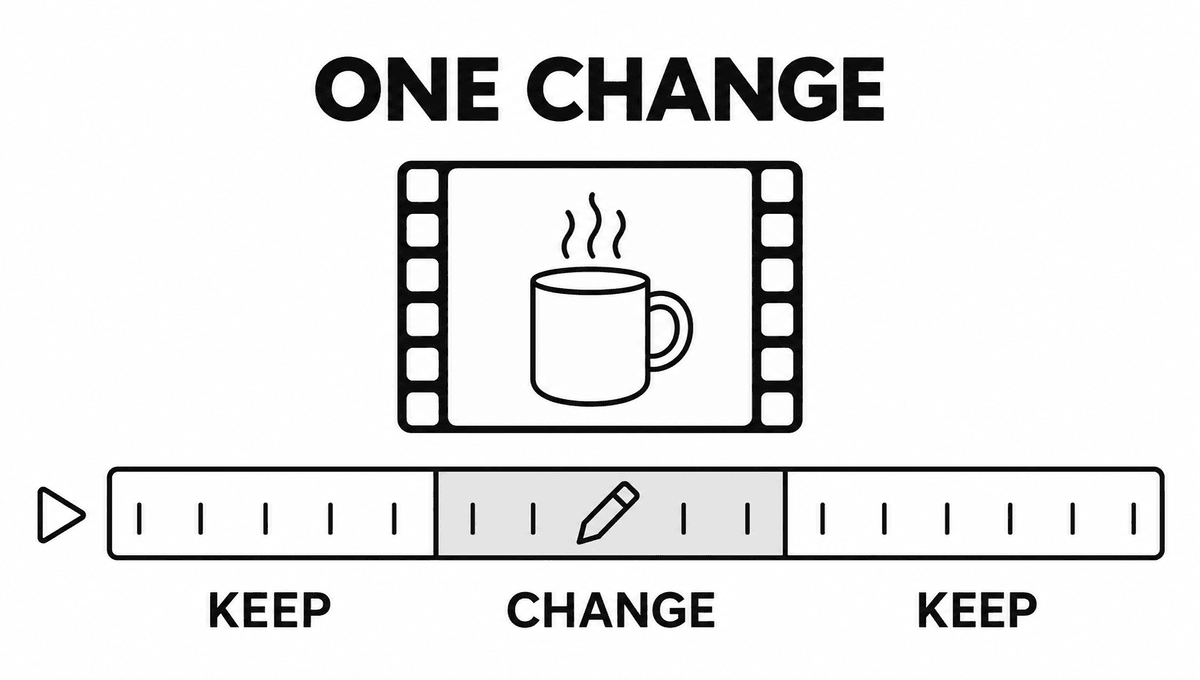
Seedance 2.5's announcement describes timestamp-based edits and extensions. Use those capabilities with a narrow request when the chosen service exposes them. A natural-language preservation instruction is an editing goal; inspect the resulting clip to see which elements actually remained stable. Editing and extension announcement
Reduce distracting steam
Select the existing candidate in the service's editing workflow and bind the request to that clip.
Edit the selected video.

From 4 to 7 seconds, reduce the steam above the mug so it is faint
and physically plausible.

Preserve the mug's shape, handle and surface, the camera trajectory,
framing, lighting, room ambience, and total duration.
Keep the remaining intervals visually consistent with the source.
Compare the original and revision at the edit boundaries as well as inside the changed interval. A corrected steam effect is useful only if the handle, camera, and surrounding frames still meet the brief. Save both versions so you can revert to the stronger candidate.
| Observed problem | Next change to propose |
|---|---|
| The mug changes shape | Reduce camera movement and strengthen the subject reference. |
| The shot feels crowded | Remove secondary actions and unnecessary props. |
| The revision alters unrelated details | Narrow the request and explicitly list what to preserve. |
| Generated text is unreliable | Produce a clean shot and add exact typography in an editor. |
These are troubleshooting proposals, not fixes demonstrated in a Seedance test. Use one change per attempt so the result can inform the next decision.
Plan a 30-second sequence
A longer prompt should explain what develops over time. The following is a proposed three-shot plan, with deliberate cuts.
Create a 30-second landscape sequence about a quiet morning.
Use the same white mug, wooden table and window throughout.

0-10 seconds: a medium shot slowly moves toward the steaming mug.
10-20 seconds: cut to a close view of the rim and handle.
Keep the mug's proportions and morning light consistent.
20-30 seconds: cut to a wider view showing the mug beside the window.
Let the steam become faint, then hold a calm final composition.

Use gentle room ambience with no speech or music.
Keep the space uncluttered. Exclude captions, logos and new props.
If you extend an existing clip instead, specify what happens after its ending and what must carry over. Check the seam before committing to another extension. The official model page describes extensions, while the controls and limits offered by your chosen service remain the practical constraint.
Review usable footage and the total cost
Judge the complete clip and the cost of reaching it before exporting a final version.
Check identity, motion, audio, and spending
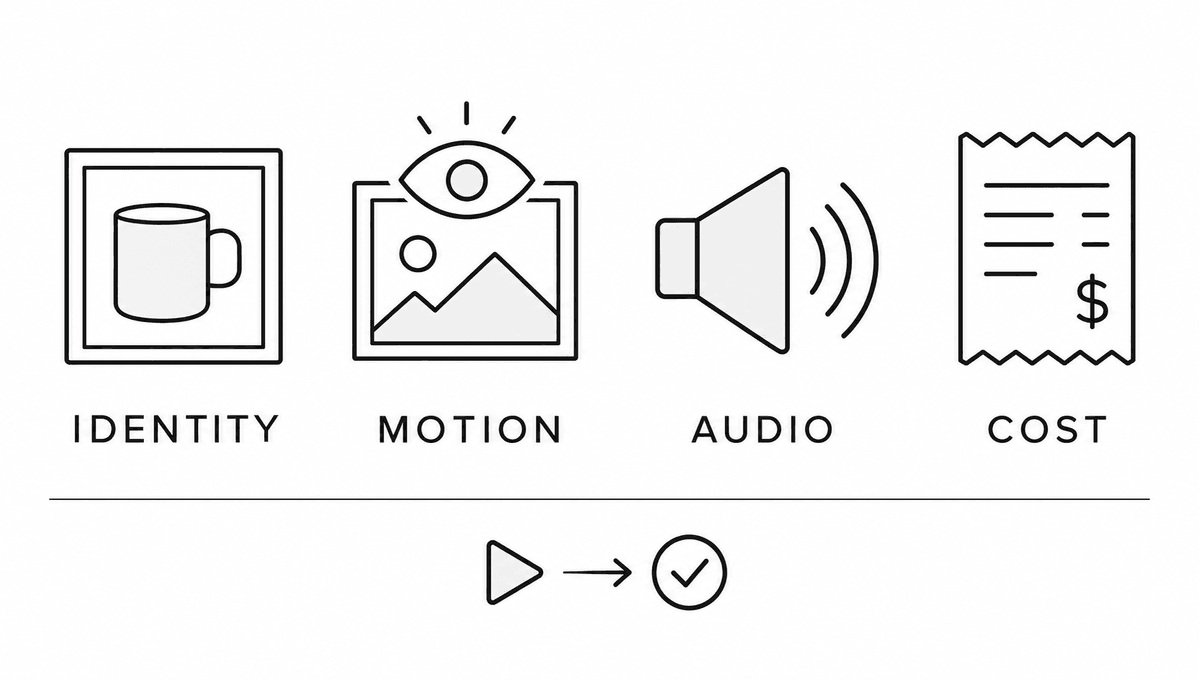
Watch once at normal speed with sound, once muted, and once while pausing on the subject. Check the first and final frames, any edited boundaries, and the crop at the intended display size. An attractive still frame alone cannot establish the quality of the whole video.
Use this proposed review sheet to make a decision.
| Check | Pass condition for the mug exercise |
|---|---|
| Identity | The handle, rim, material, and silhouette remain recognizably consistent. |
| Motion | The camera follows the brief without distracting jumps or subject deformation. |
| Audio | The clip contains the intended ambience, or the silent version you selected. |
| Delivery | The crop, ending, duration, and export settings suit the destination. |
| Rights | You have checked the service terms and permissions for the assets and intended use. |
Download and play the actual exported file. Recheck its dimensions, sound, watermark status, and ending rather than relying solely on an in-app preview.
Keep Dreamina credits separate from API prices
Dreamina quotes credits inside its product. Review that quote and your account's billing conditions before each attempt. A promotional subscription price does not establish the cost of this particular Seedance 2.5 exercise.
For a separate reference, BytePlus's pricing page, updated October 30, 2026, gives these ModelArk estimates for 16:9 output lasting 5 seconds with no input video.
| Resolution | Official estimated price per video |
|---|---|
| 480p | USD 0.514 |
| 720p | USD 1.156 |
| 1080p | USD 2.843 |
These are vendor estimates for that configuration, not measured costs or Dreamina credit prices. Input video, duration, resolution, and actual token usage affect API billing. The same page states that Seedance 2.5 Draft output is fixed at 480p and uses the ordinary 480p token rate and consumption. ModelArk pricing
Record every attempt
Copy this CSV header into a spreadsheet. Leave unknown values blank until you can verify them; record credits and currency in their own columns.
attempt,date,service,model,resolution,duration_seconds,credits_spent,cost_usd,usable_seconds,change,decision
Record discarded attempts as well as accepted candidates. For a single project, divide the total actual generation spend by the distinct seconds retained in the final edit. Count each retained second once, even if several candidate clips contain the same moment.
For example, a hypothetical USD 6 of generation spend for 8 retained seconds equals USD 0.75 per usable second. That arithmetic is an illustration, not a Seedance price or a result from this article. Track editing time and subscription allocation separately if you want a fuller production cost.
Set an attempt limit before starting. If the result still misses the brief at that limit, simplify the shot or reconsider the method before spending again.
Frequently asked questions
Is Seedance 2.5 the same product as Dreamina?
Seedance 2.5 is the generation model; Dreamina is one product offering access to it. BytePlus ModelArk provides another route. Features, controls, prices, and access conditions must be checked for the route you use. Dreamina, BytePlus
Can I generate 4K with Seedance 2.5?
Dreamina advertises 4K output. The general ModelArk task documentation checked for this guide lists 480p, 720p, and 1080p, and its pricing table marks 4K unsupported for the listed 2.5 API model. Confirm your exact model and export controls before planning a 4K delivery. Dreamina, Task API, Pricing
Is Seedance 2.5 free?
Free-credit offers, subscriptions, and API activation are separate conditions. Confirm whether your account's credits cover the selected generation and check the next renewal price before subscribing. This guide does not verify a free generation entitlement for an individual account. Dreamina plans, ModelArk activation
Can I use the results in an advertisement?
Check the current terms for the service and plan you use, together with permissions for reference images, music, voices, people, and brands. Marketing examples of commercial use do not establish permission for every asset or output. Review the applicable terms before publication. Dreamina terms, BytePlus video-model terms
Were these prompts tested on Seedance 2.5?
The prompts are original proposed templates. No Seedance video was generated for this guide, and no output-fidelity, speed, or cost result is claimed. The figures illustrate the planned workflow and are not Seedance footage.
Use the first exercise as your next step
Start with one shot, a stated pass condition, and a spending limit. Save the prompt, selected settings, candidate, and observed result together. That record gives the next attempt a concrete purpose.
- Begin with the short mug exercise and inspect the entire clip.
- Add a reference or request an edit to address one identified problem.
- Compare the retained footage with the total actual spend before expanding the project.
Read the ChatGPT Images prompt guide to prepare a reference still, the GPT-6.1 Terra visual-work guide for related planning prompts, or the Gemini 4 Argon practical guide for structured brief and evaluation examples.
Official sources checked on November 1, 2026
The links above distinguish model announcements, product instructions, API documentation, billing, and terms. Recheck the Seedance 2.5 model page, Dreamina's product instructions, and ModelArk pricing when the options in your account differ.
The product and documentation links in this guide carry no affiliate tracking parameters. The site's affiliate disclosure explains its approach to monetized links.
コメント