
I Replaced Three AI Subscriptions With Just One: My HIX AI Review
Disclosure: This article was created in partnership with HIX AI. I received a complimentary account and compensation for writing this review. All opinions are based on my personal experience using the product.
At some point, my AI stack became its own problem. ChatGPT for writing, Gamma for slides, Notion AI for notes — each tool was fine on its own, but switching between them constantly broke my flow. The overhead of managing multiple subscriptions wasn’t worth it anymore.
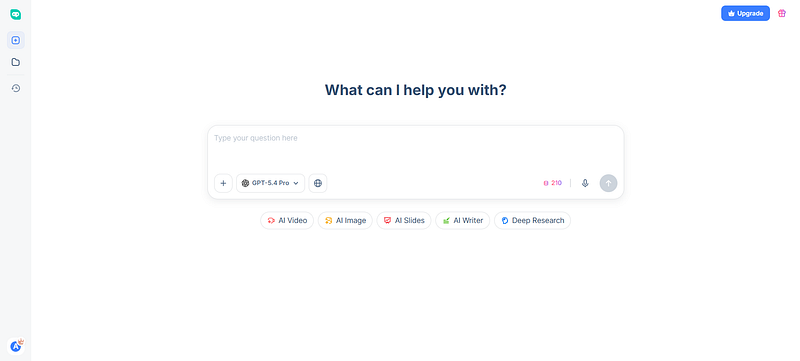
That’s when I started testing HIX AI’s agent workspace, which brings writing, slides, image generation, and deep research into one place. I was skeptical. Here’s what I actually found.
The AI Writer: One Prompt, Usable Output
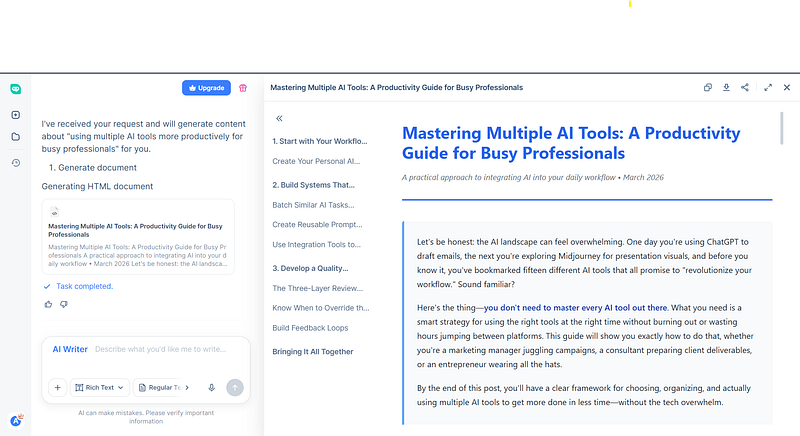
The AI Writer was the first thing I tested. I typed this prompt:
“Write a 1,500-word blog post for busy professionals on how to use multiple AI tools more productively. Use an intro, three body sections, and a conclusion. Keep the tone approachable.”
The result came back structured and clean — table of contents on the left, formatted article on the right. You can switch between GPT-4o, Claude, and other models mid-session, which is genuinely useful when you want to compare outputs or match tone to context.
One caveat: the default output can feel slightly generic on broad topics. A more specific prompt — niche audience, concrete angle — gets noticeably better results.
AI Slides: Decks From Text in Minutes
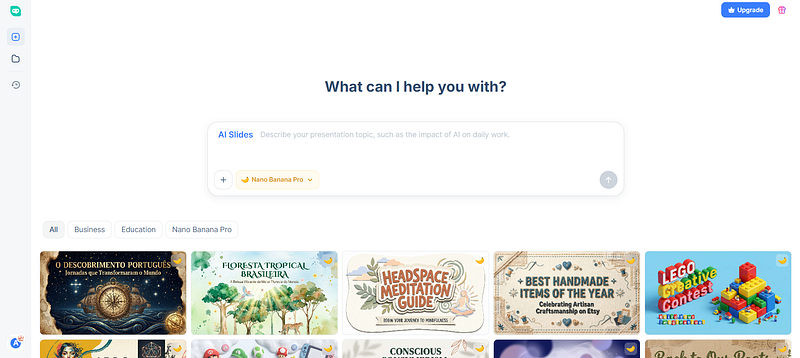
I gave AI Slides the following prompt:
“Create a 10-slide presentation on ‘3 Ways AI Can Improve Business Efficiency’ for internal team sharing. Include a title and three key points per slide.”
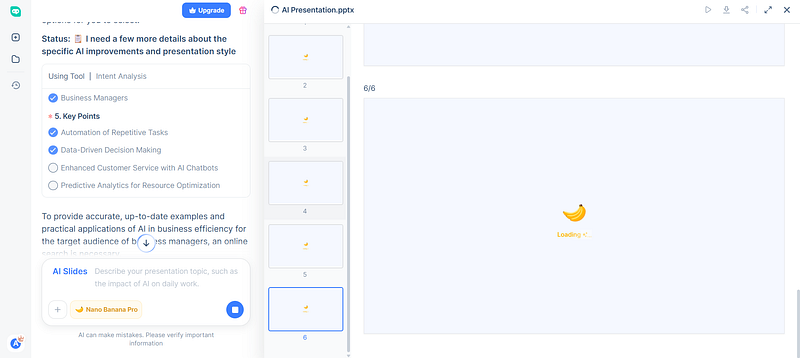
Before generating, it ran a web search to pull in recent data and examples — which explains why the output felt current rather than generic. The finished PPTX had clean layouts, charts, and section headers that didn’t need redesigning.
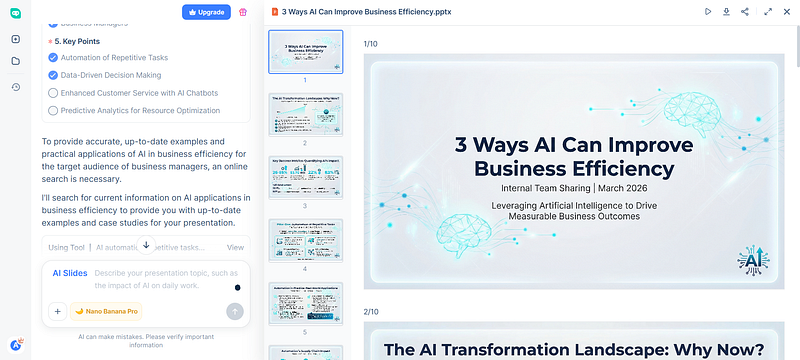
The template selection is wide, though some designs lean heavily decorative. For professional decks, sticking to the Business category saves time.
Is It Worth Switching?
After a few weeks of use, I no longer felt I needed three separate AI subscriptions. For writing and slides, HIX AI covered most of what I needed in one place. It made my workflow faster, simpler, and easier to manage. For solo creators, marketers, and small teams juggling multiple AI tools, it is a serious option worth trying.
Tags: Artificial Intelligence · Productivity · Writing · Technology · Tools

コメント