Notta Memo Hands-On Review: An AI Voice Recorder That Actually Delivers on Its Promises
Introduction
“What did they say in the meeting again?” — We’ve all been there.
As the AI voice recorder market heats up, I got my hands on the Notta Memo from Notta Inc. to put it through real-world testing. This credit-card-sized device promises to handle recording, transcription, translation, and AI-powered summarization with a single tap. But does it actually work? Here’s my no-nonsense, hands-on report from unboxing to accuracy testing.
Disclosure: This product was provided by Notta Inc. for review purposes. All opinions are my own.
Specs at a Glance
Spec Detail Size Card-sized, 3.5mm thin Weight ~28g Microphones 4 MEMS + 1 bone conduction Battery 470mAh (30hrs recording / 28 days standby) Storage 32GB (~2,000 hrs of audio) Languages 58 supported Charging Magnetic dock (proprietary) Connectivity Bluetooth / Wi-Fi Price $149 USD
👉 Get Notta Memo: Official Site | Amazon.com | Amazon.co.jp
Unboxing & Design
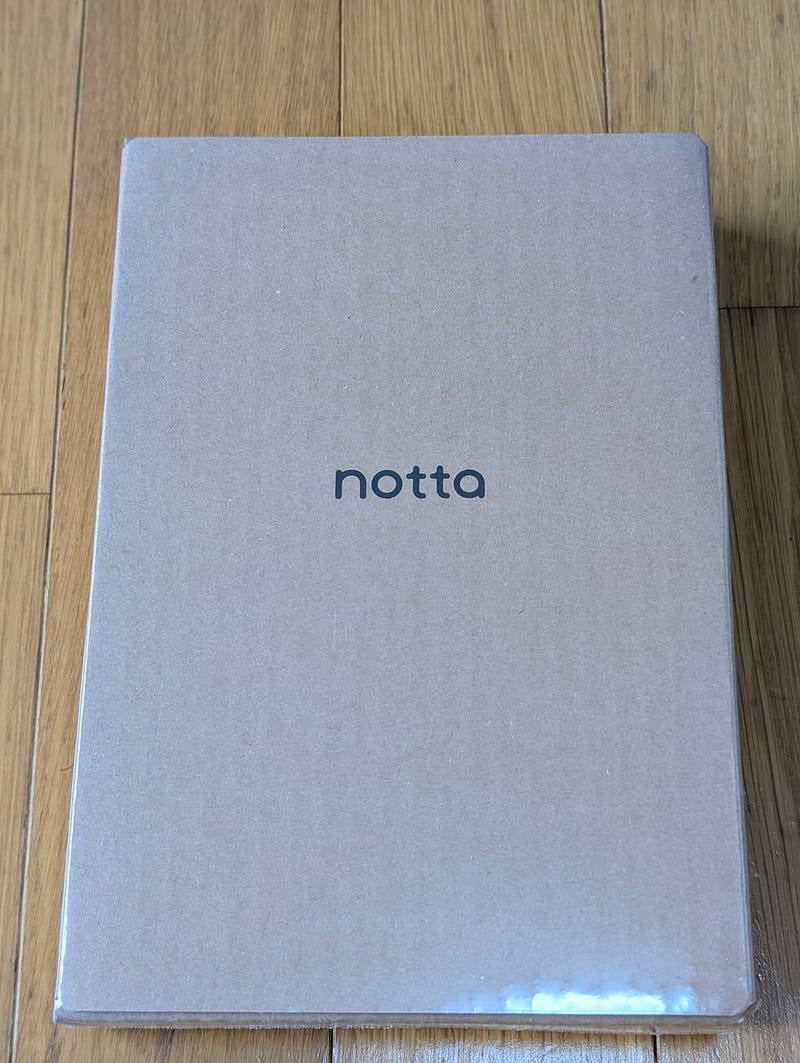
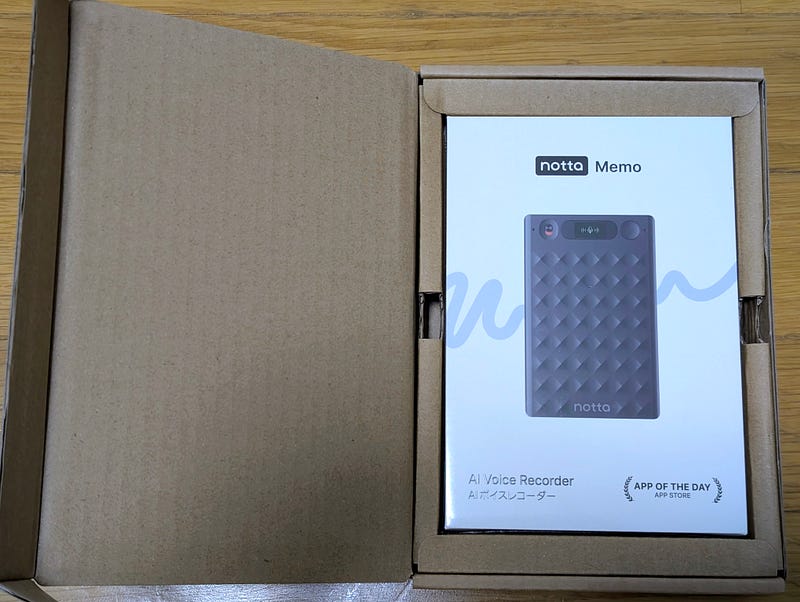
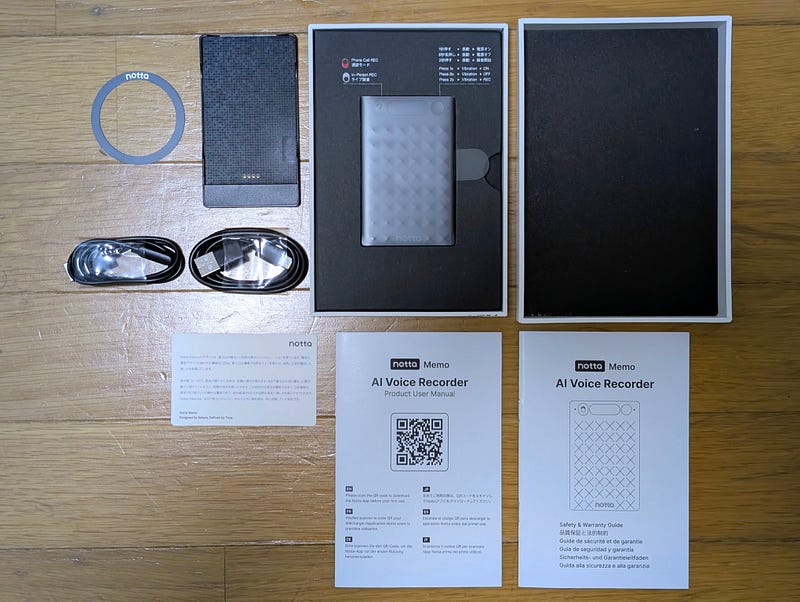
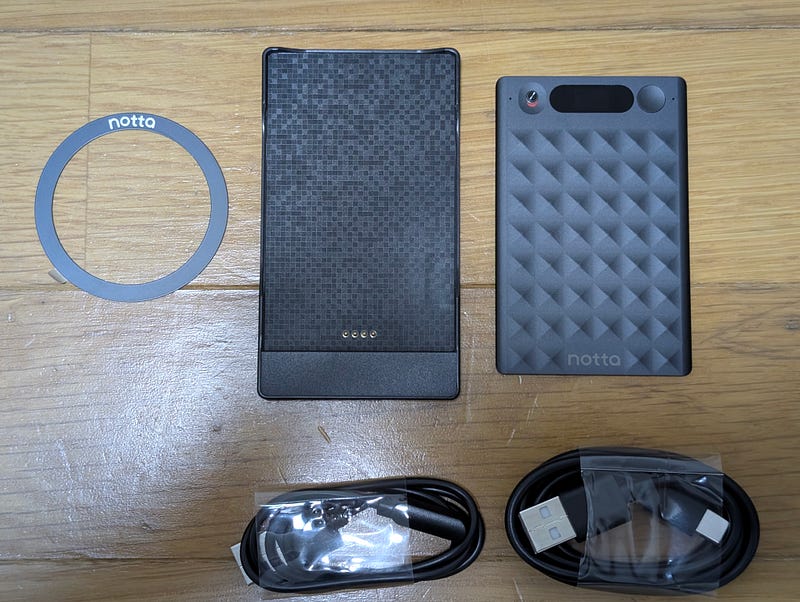
Opening the cardboard outer box reveals a clean white package. Inside you’ll find the Notta Memo itself, a magnetic charging dock, two USB-C cables, a MagSafe-compatible magnetic ring (for Android phones), a user manual, and a safety guide.
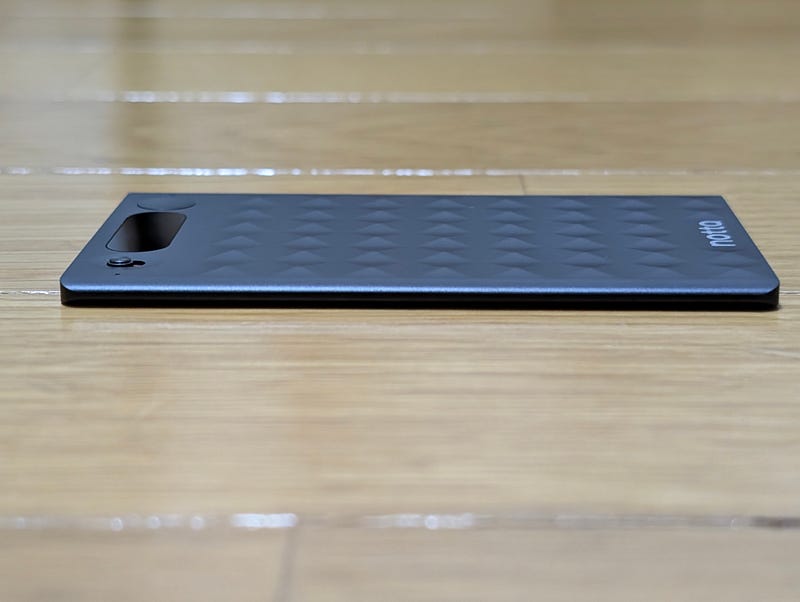
My first impression picking it up: thin, light, and premium-feeling.
The surface features a diamond-cut texture, inspired by Mount Fuji according to Notta’s design philosophy. It provides a satisfying grip without any cheap plasticky feel.
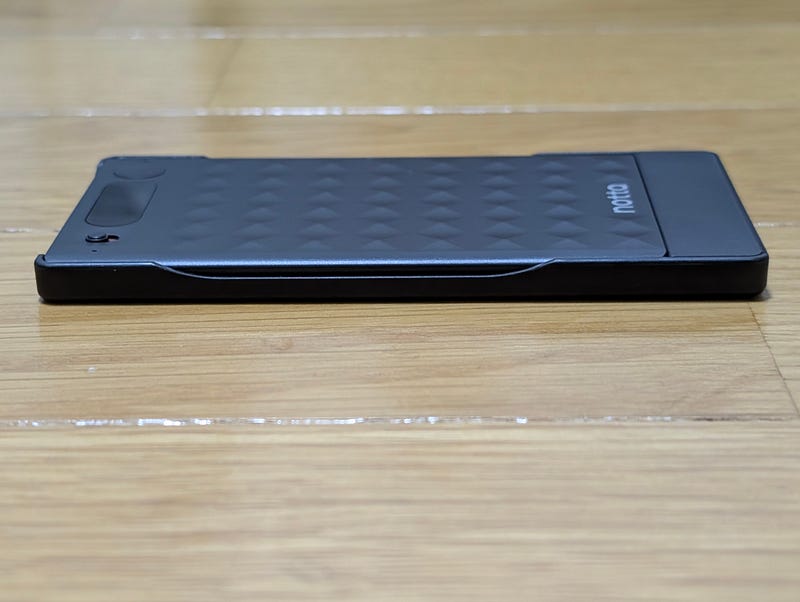
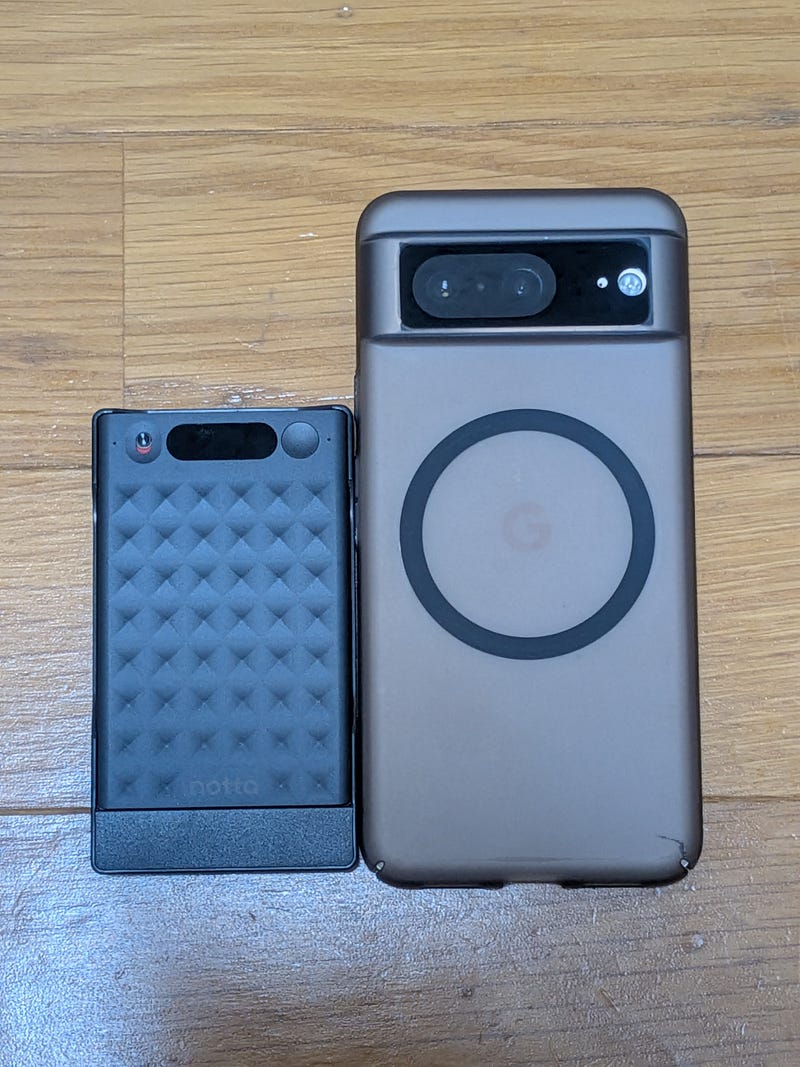
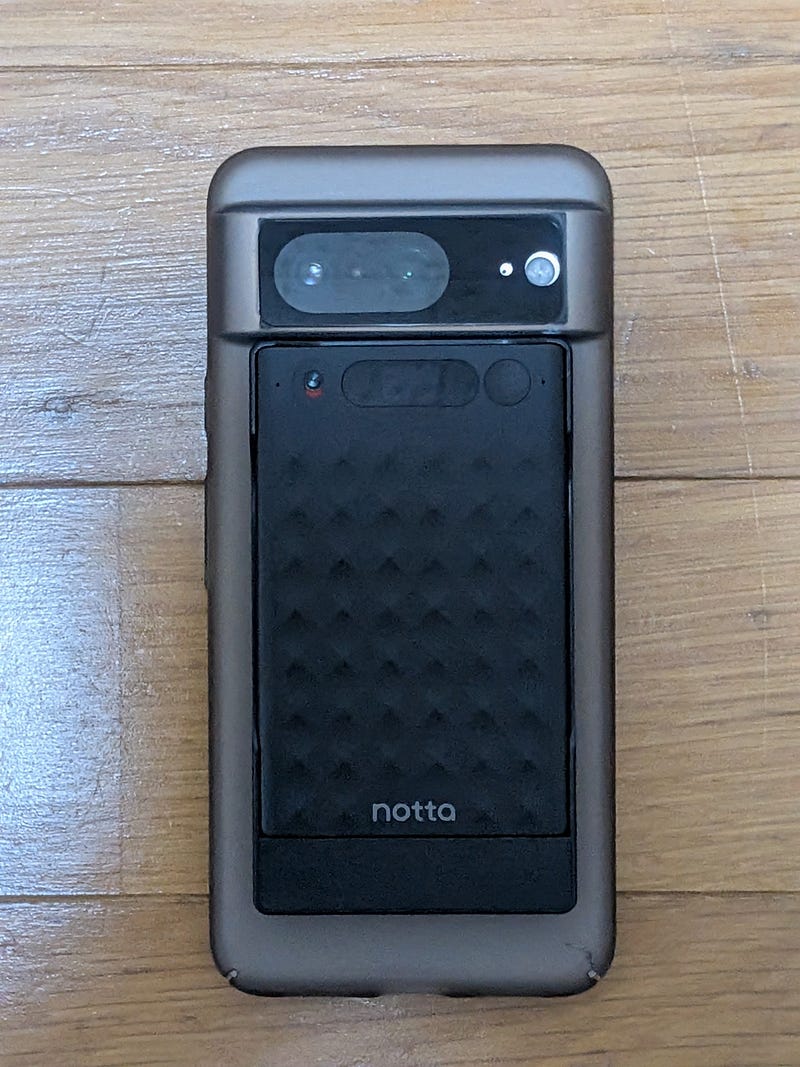
Placed next to my Google Pixel 8, the Notta Memo is roughly half the phone’s size. Attach it to the back via MagSafe, and it nestles neatly without adding noticeable bulk.
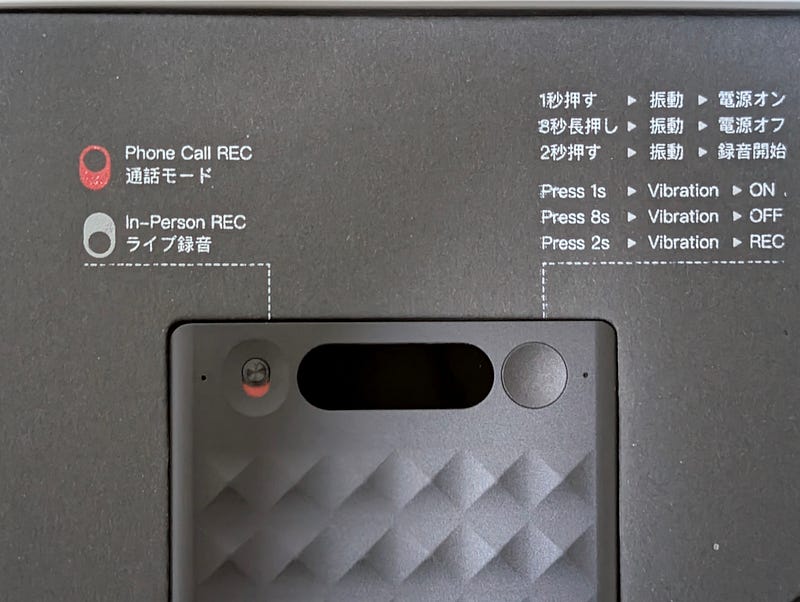
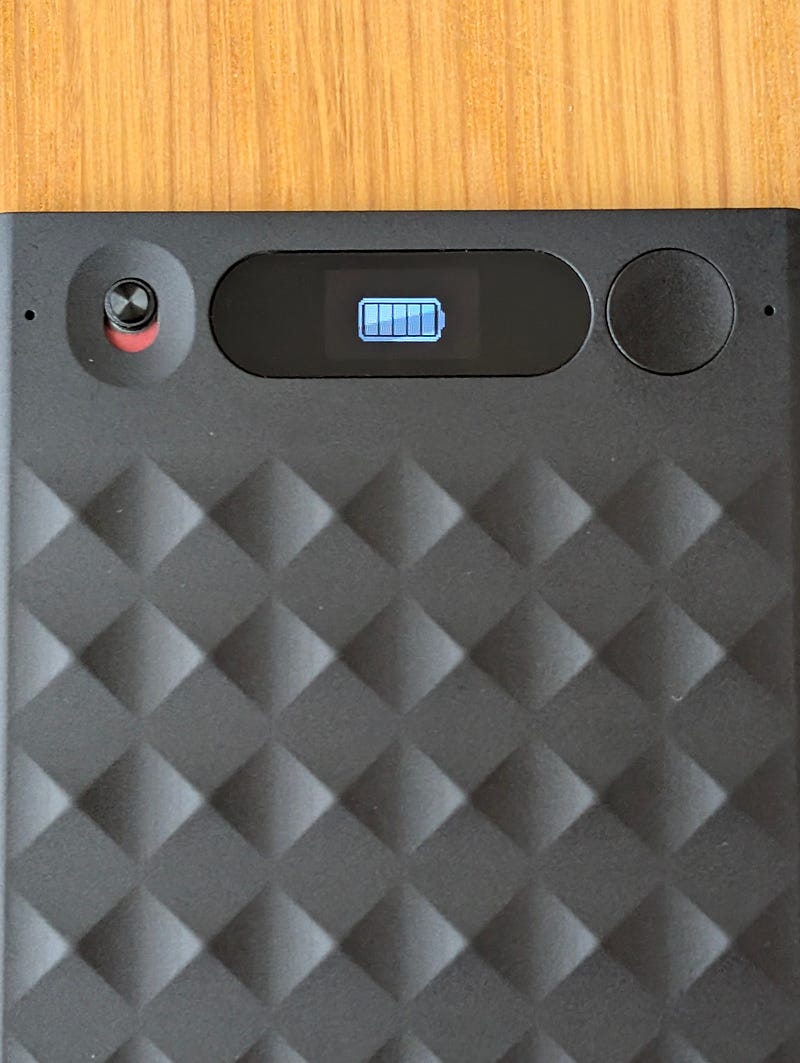
The top houses an OLED display, power button, and a physical toggle switch for call/live recording modes. Controls are dead simple:
- Press 1s → Power on
- Press 2s → Start recording
- Hold 8s → Power off
The back shows FCC, CE, and Japan’s Giteki certification marks, plus a USB-C port.
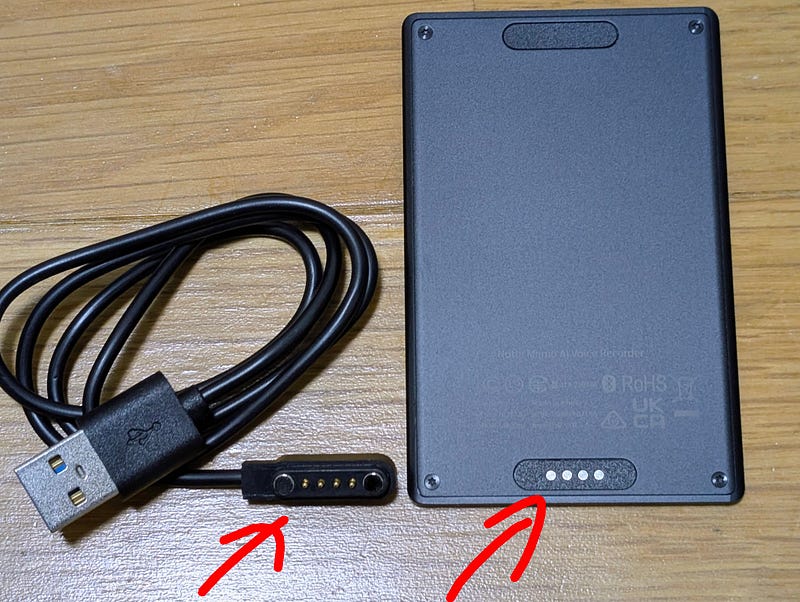
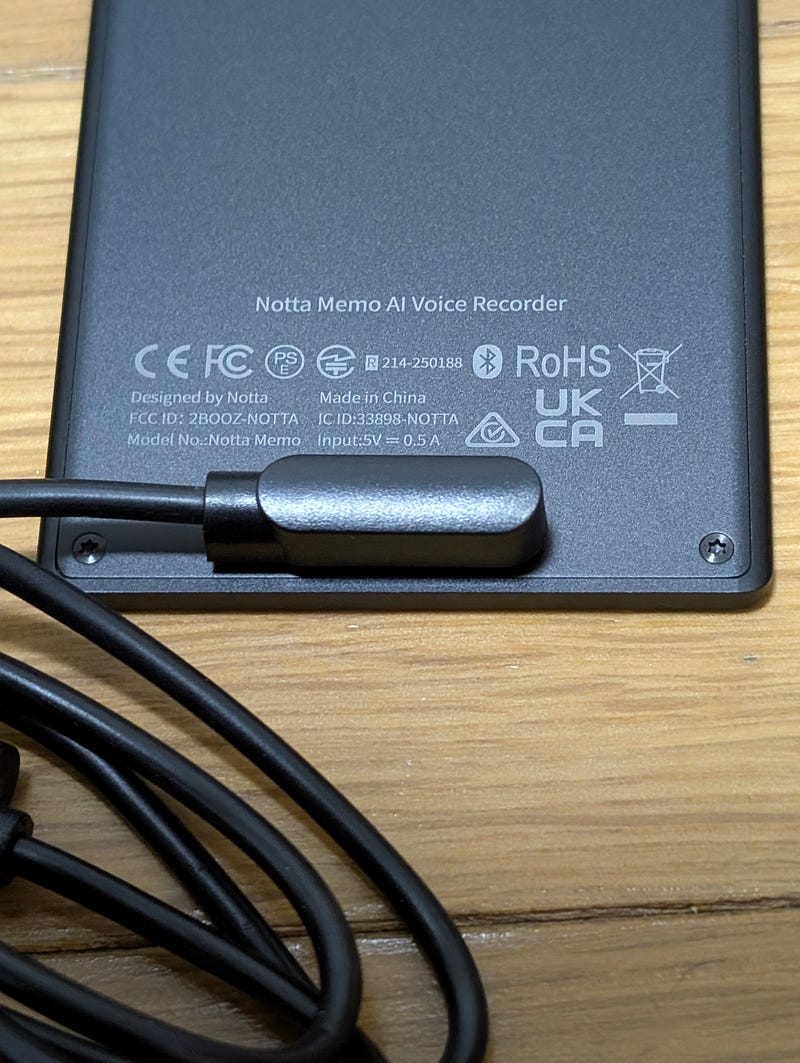
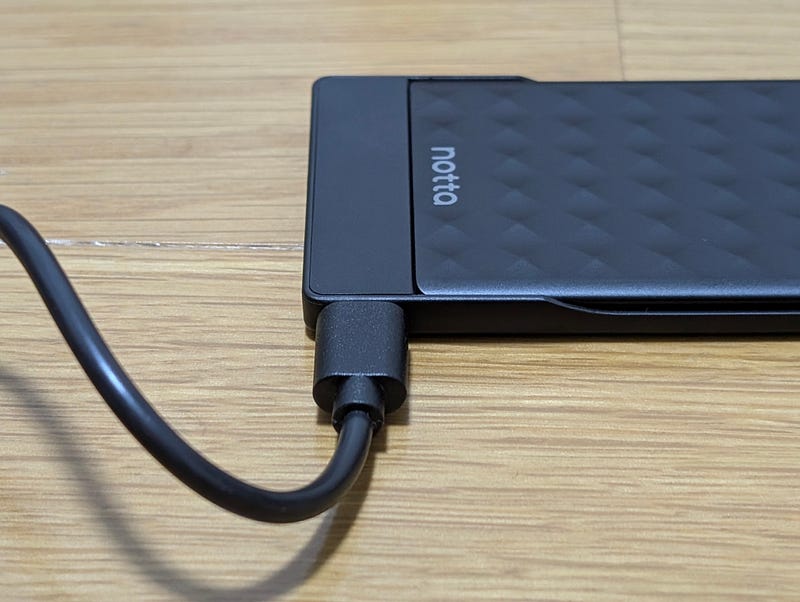
The charging dock uses pogo pins that magnetically align with the bottom of the device — the entire connection ecosystem (dock, MagSafe mount, cables) is unified by magnets. A nice design touch.
One gripe: removing the device from its magnetic case is a bit tricky. The magnets hold tight — great for security, but a small pull-tab or release mechanism would be welcome.
Setup
Setup was painless:
- Install the Notta app
- Create an account
- Go to Settings → Smart Device → Select Notta Memo
- Power on the device and pair via Bluetooth
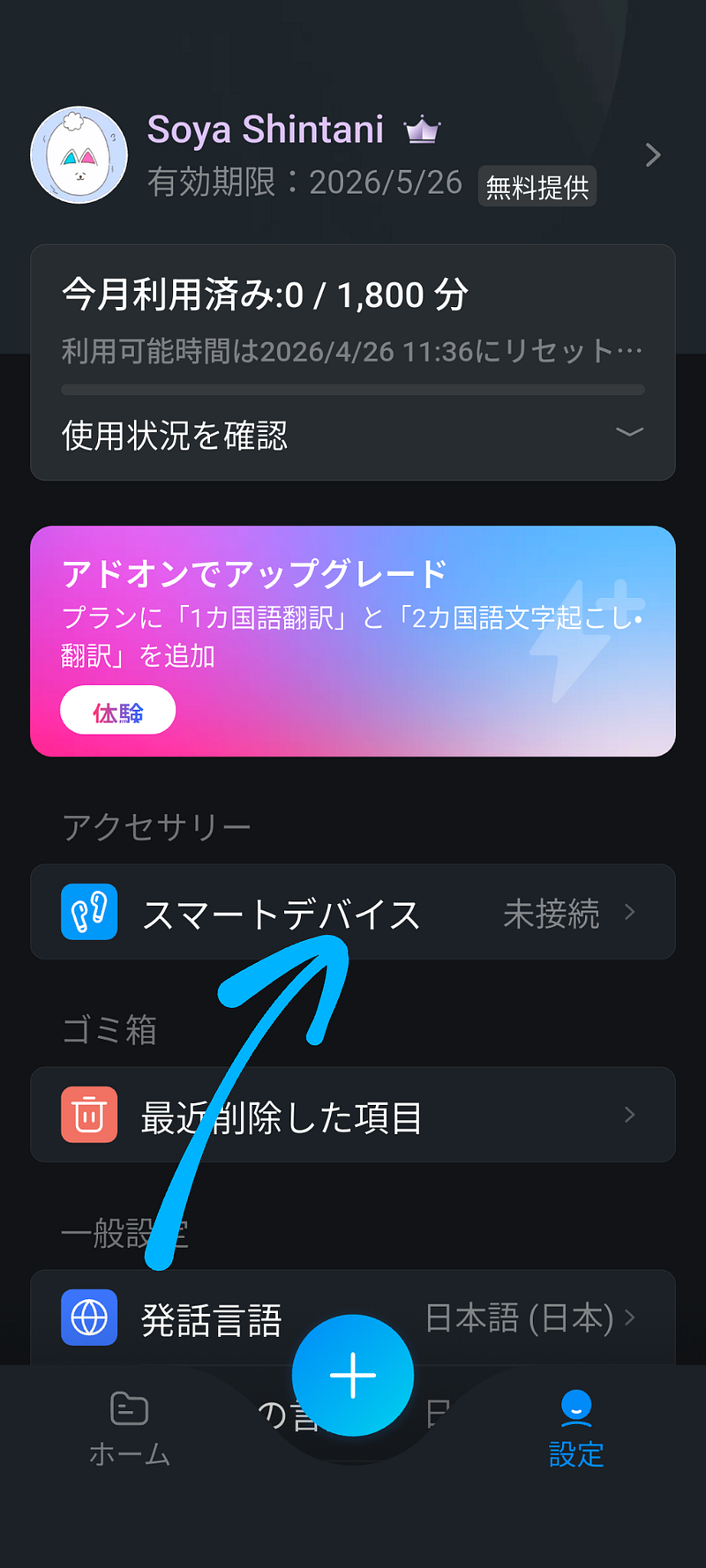
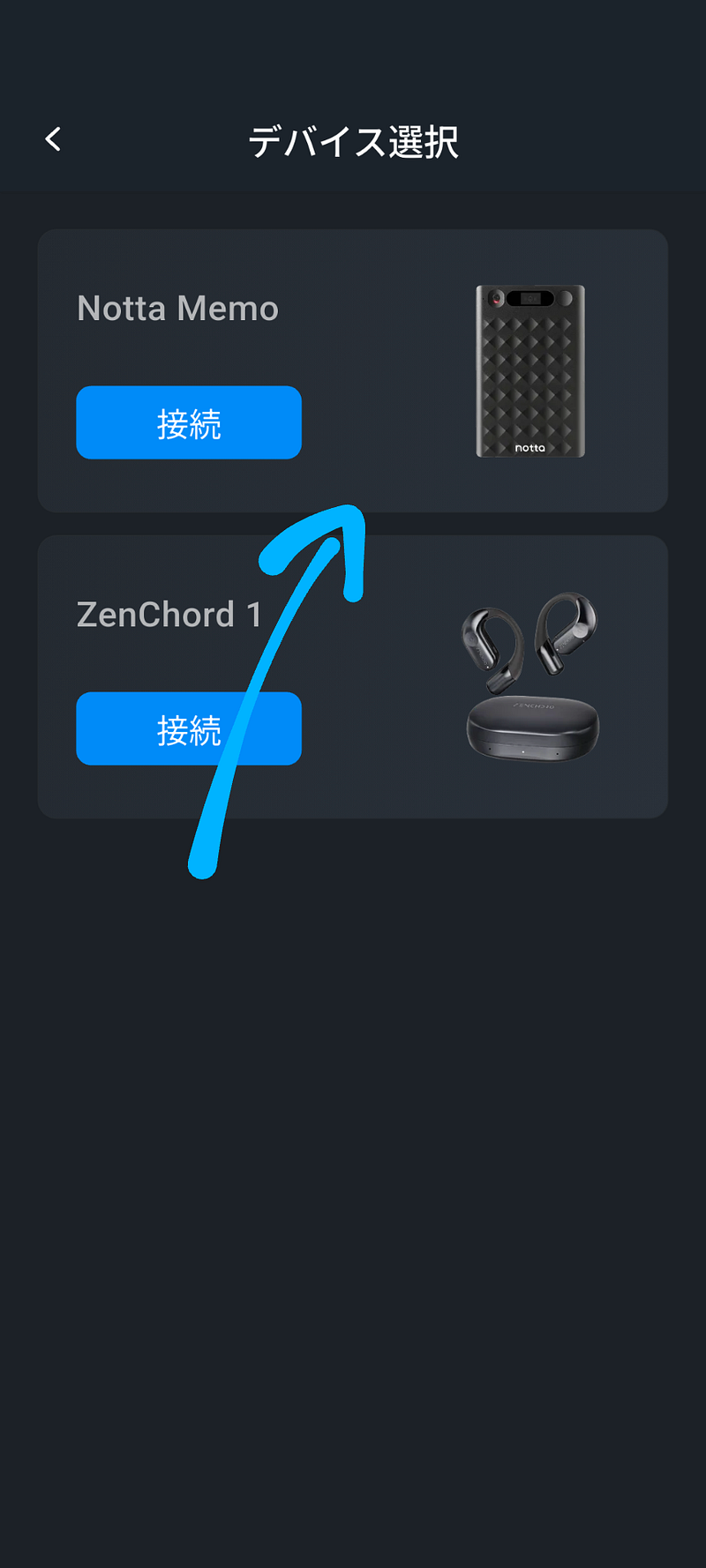
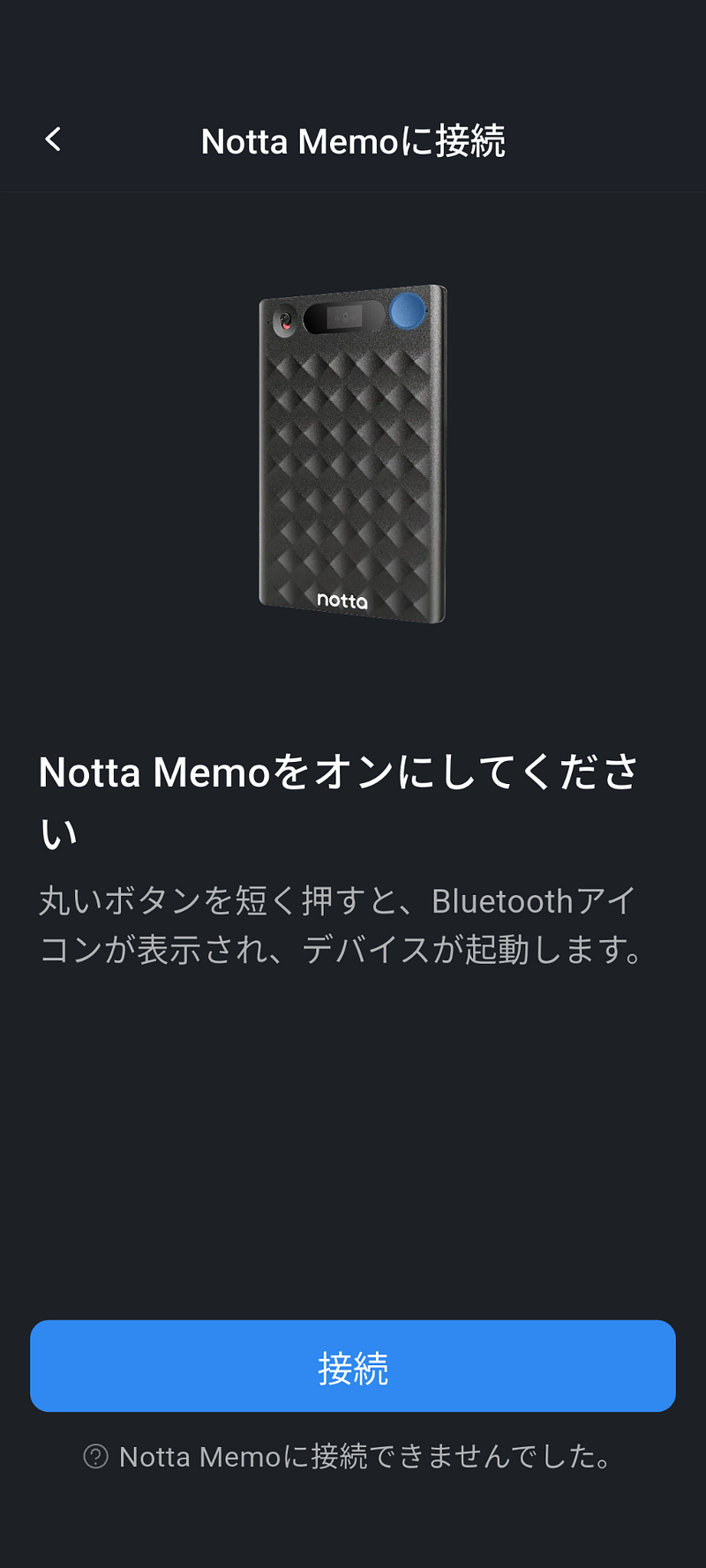
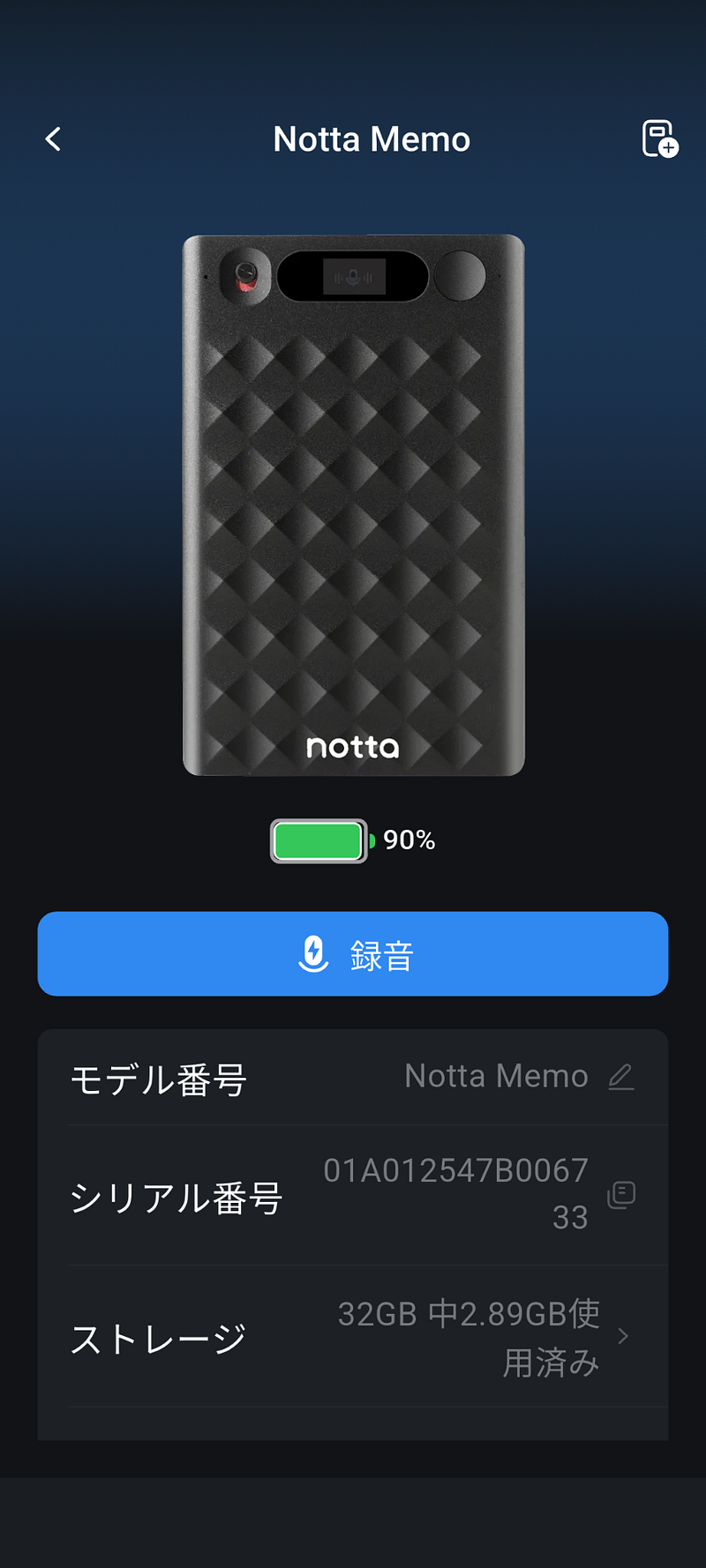
Following the manual, I was up and running in under 5 minutes. Every Notta Memo purchase includes a lifetime “Starter Plan” — 300 minutes of AI transcription, up to 5-hour recordings, and 30 AI summaries per month at no extra cost.
Transcription Accuracy Tests
This is the heart of the review. I tested under three conditions.
Test 1: English — Quiet Environment
I used audio from VOA (Voice of America), a U.S. government media outlet whose content is in the public domain — making it ideal for testing without copyright concerns.
I played a technology report through a speaker and let Notta Memo record and transcribe.
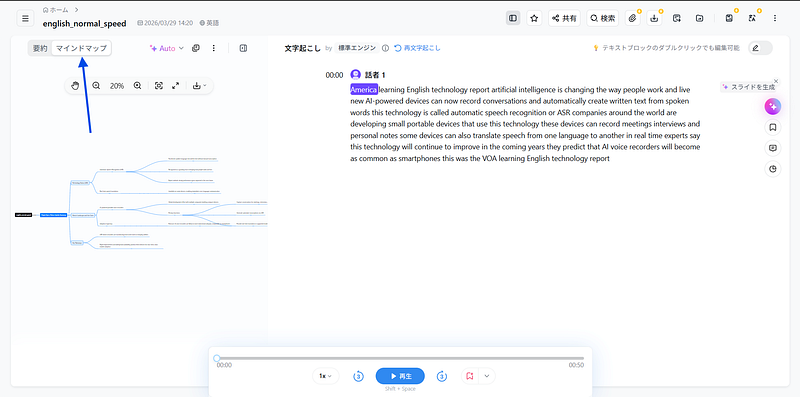
Result: ~98% accuracy
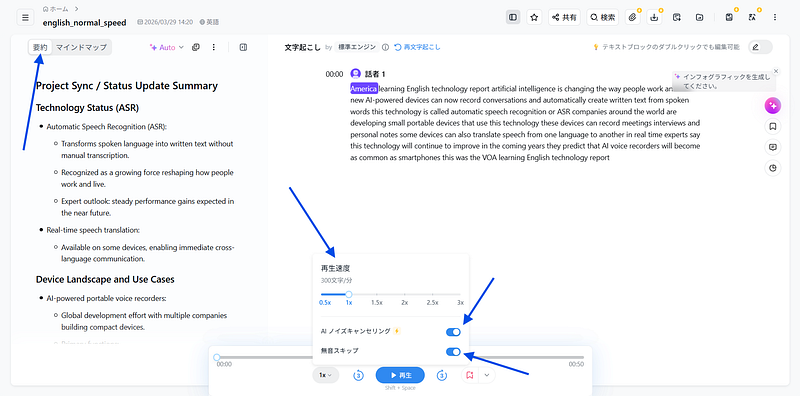
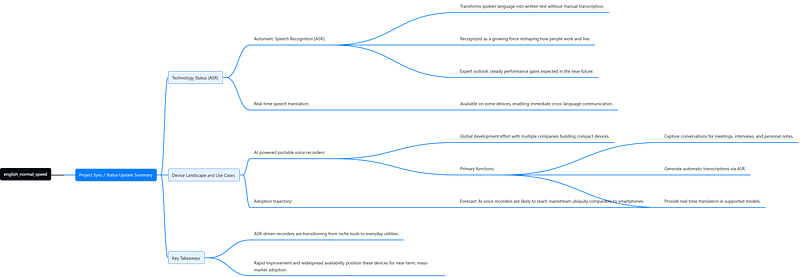
Apart from “Voice of America” being shortened to just “America” at the beginning, transcription was near-perfect. Technical terms like “Automatic Speech Recognition” and “AI-powered devices” were captured accurately. The app automatically generated an AI summary in the left panel, and even produced a mind map from the content.
Test 2: English — Noisy Environment (Cafe Noise)
Same audio, but mixed with simulated cafe background noise (ambient chatter, clinking dishes).
Result: ~95% accuracy
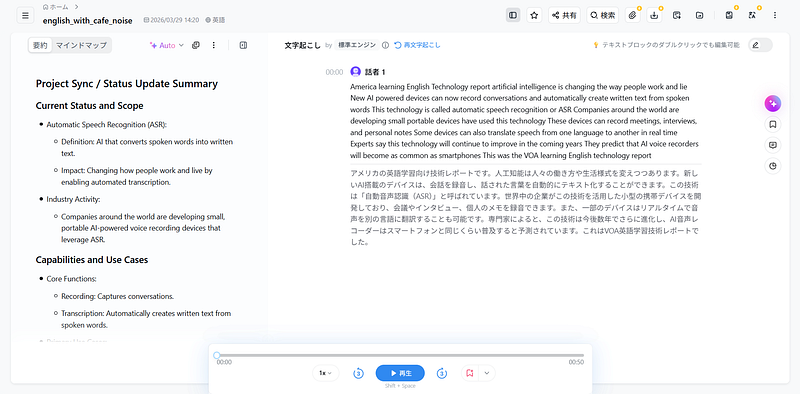
Minor errors appeared — “work and live” became “work and lie,” and “that use” shifted to “have used” — but overall meaning was fully preserved. Impressive performance under noise. The simultaneous English-to-Japanese translation also displayed alongside the transcription, and its accuracy was solid.
Test 3: Japanese — My Own Voice
I read a meeting simulation script aloud, deliberately mixing proper nouns (“Tokyo Chiyoda-ku Otemachi,” “Cognitive Behavioral Therapy”), numbers (“¥19,800,” “32 gigabytes”), and casual speech (“umm,” informal verb endings).
Result: ~97% accuracy
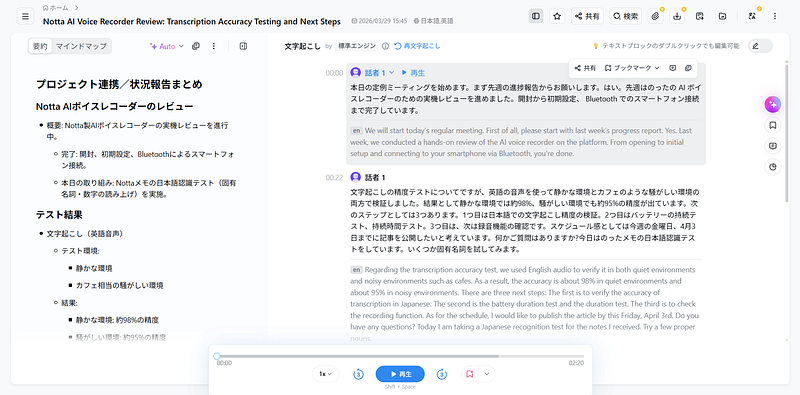
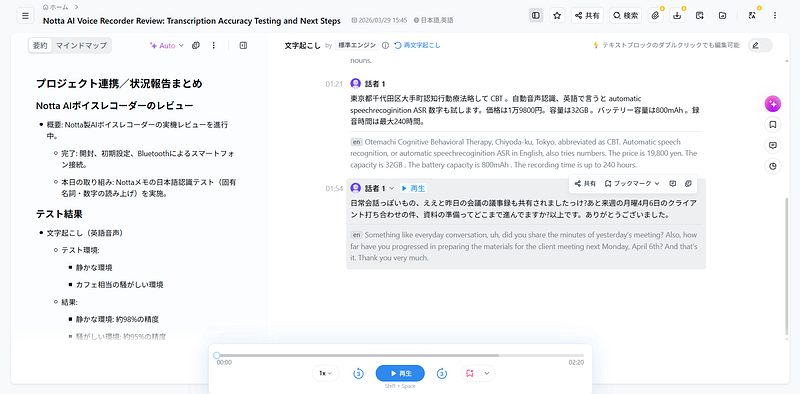
Numbers, technical terms, and casual expressions were all captured with high fidelity. Japanese-to-English simultaneous translation was also displayed and accurately conveyed the meaning. Notta has always been strong with Japanese — paired with dedicated hardware, the experience is a clear step up.
Notta App Features Worth Highlighting
The app extends Notta Memo’s value well beyond raw transcription.
AI Summary — Automatically structures recordings into organized sections like “Overview,” “Test Results,” and “Next Steps.” Practically usable as meeting minutes straight out of the box.
Auto-Generated Mind Maps — Extracts topics from recordings and visualizes them. Great for brainstorming reviews.
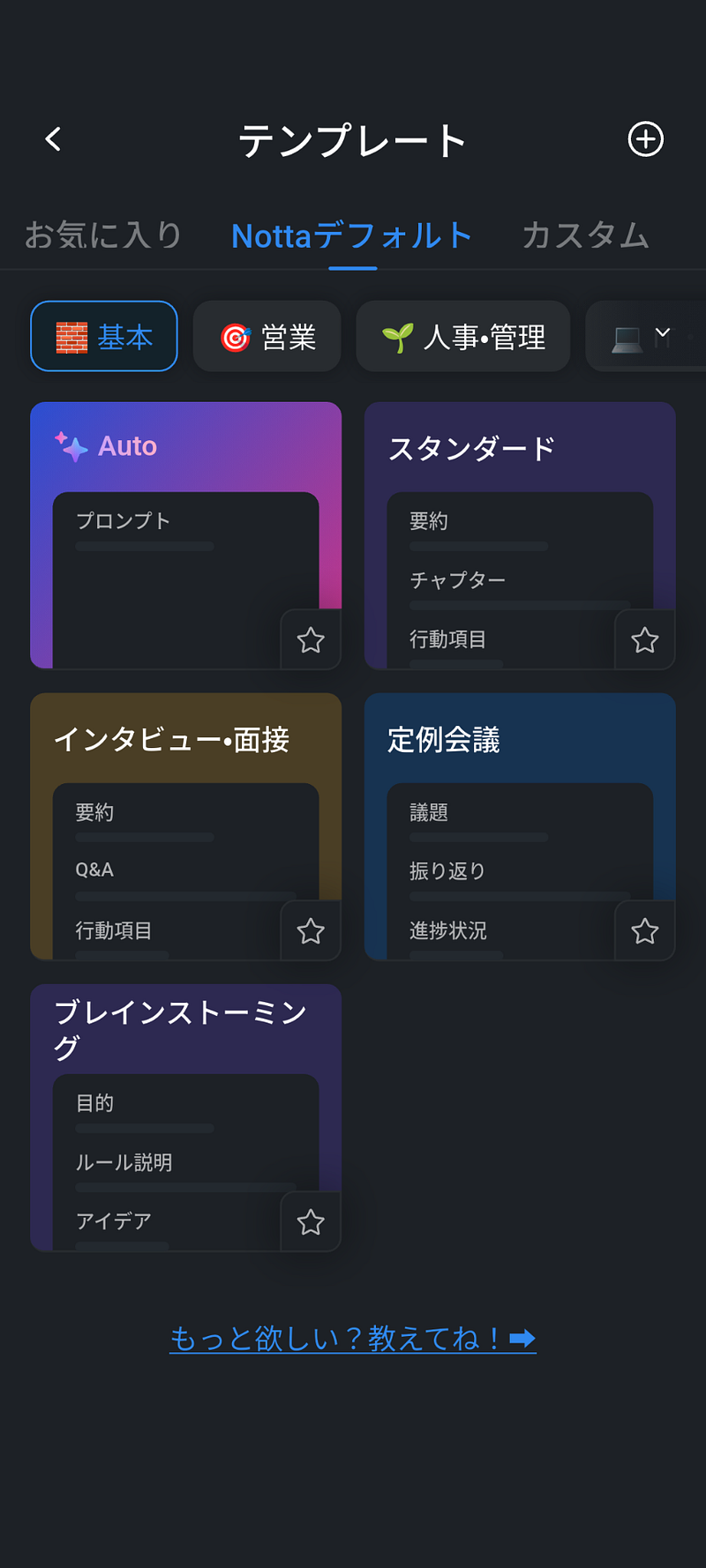
Custom Templates — Beyond presets (Standard, Interview, Regular Meeting, Brainstorming), you can create your own. I built a CBT (Cognitive Behavioral Therapy) session template with sections like “Mood Check,” “Automatic Thought Identification,” and “Alternative Thinking.”
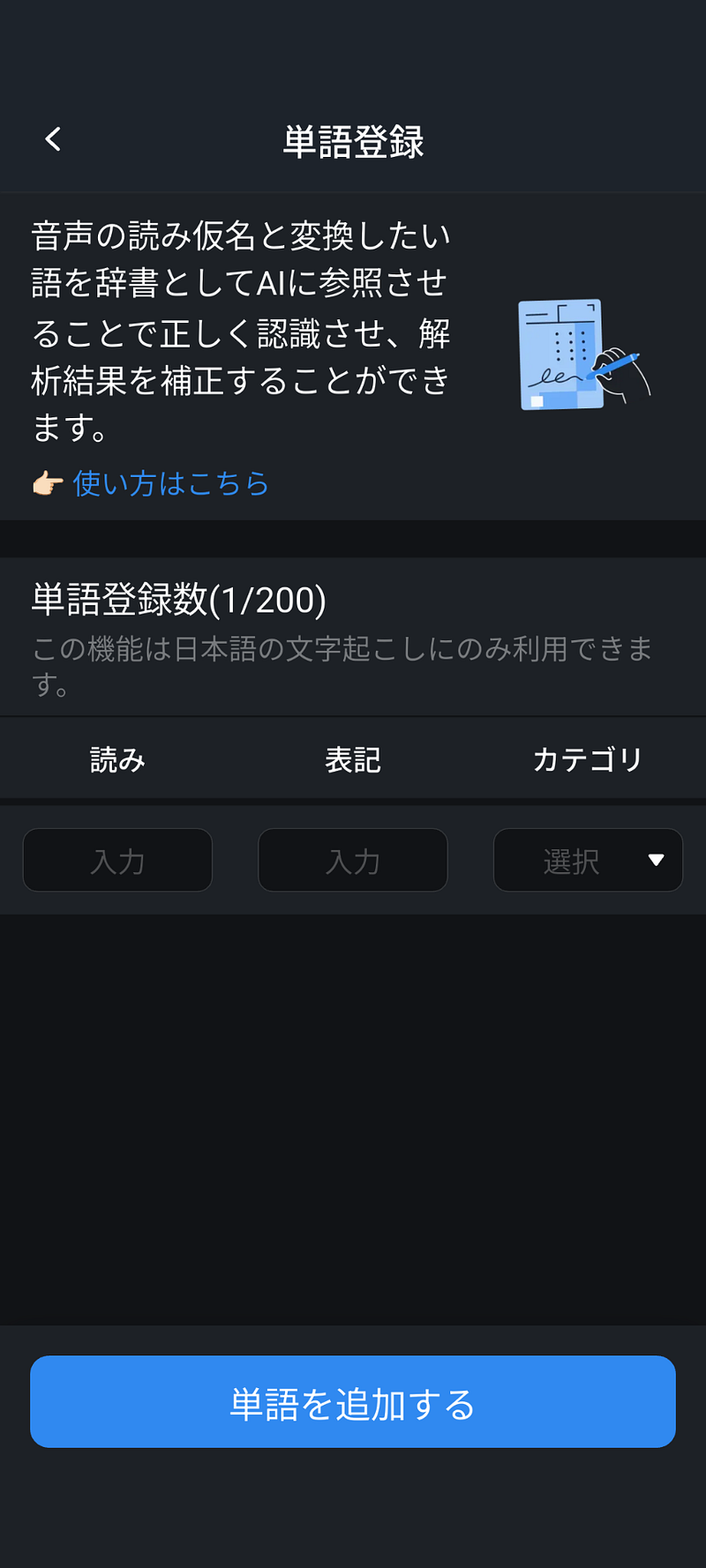
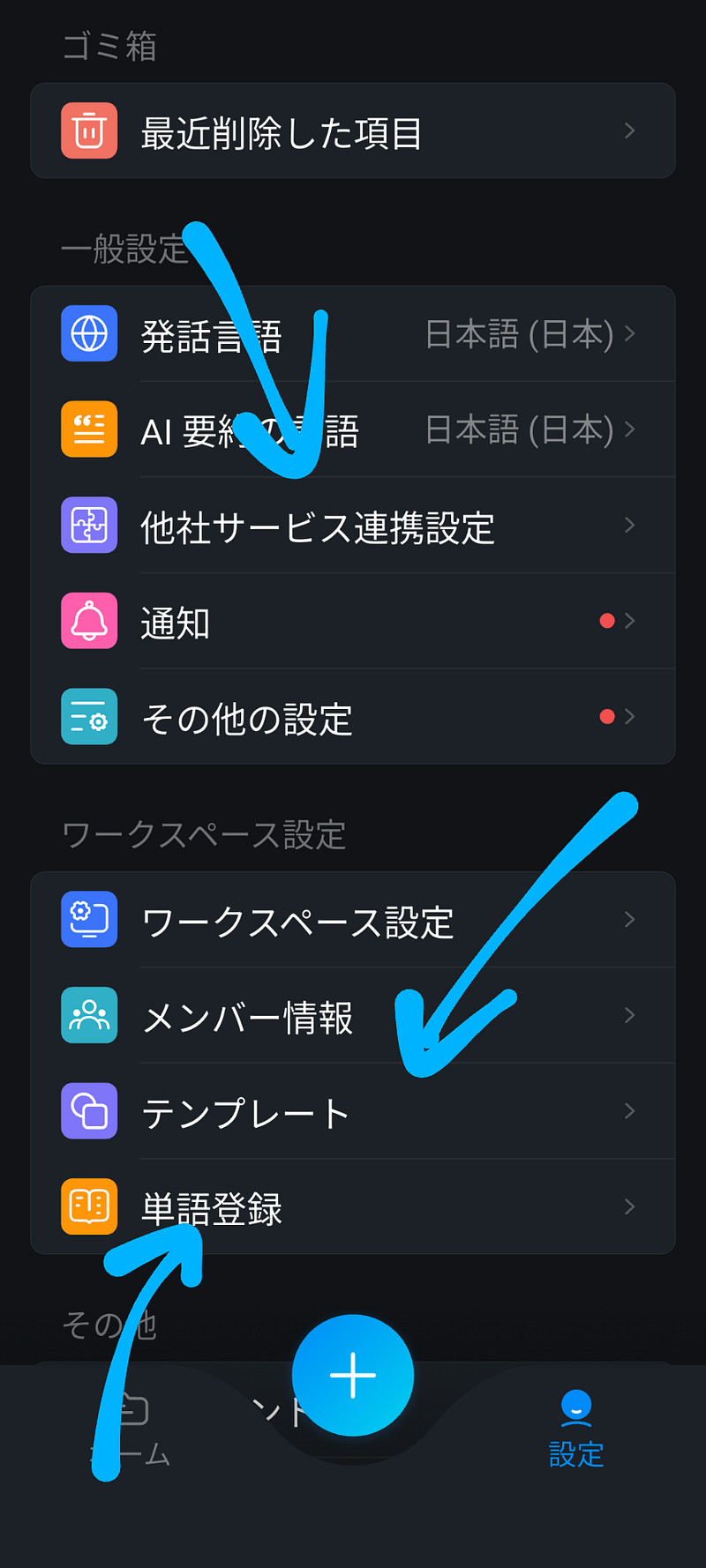
Custom Dictionary — Register up to 200 proper nouns and technical terms to improve transcription accuracy.
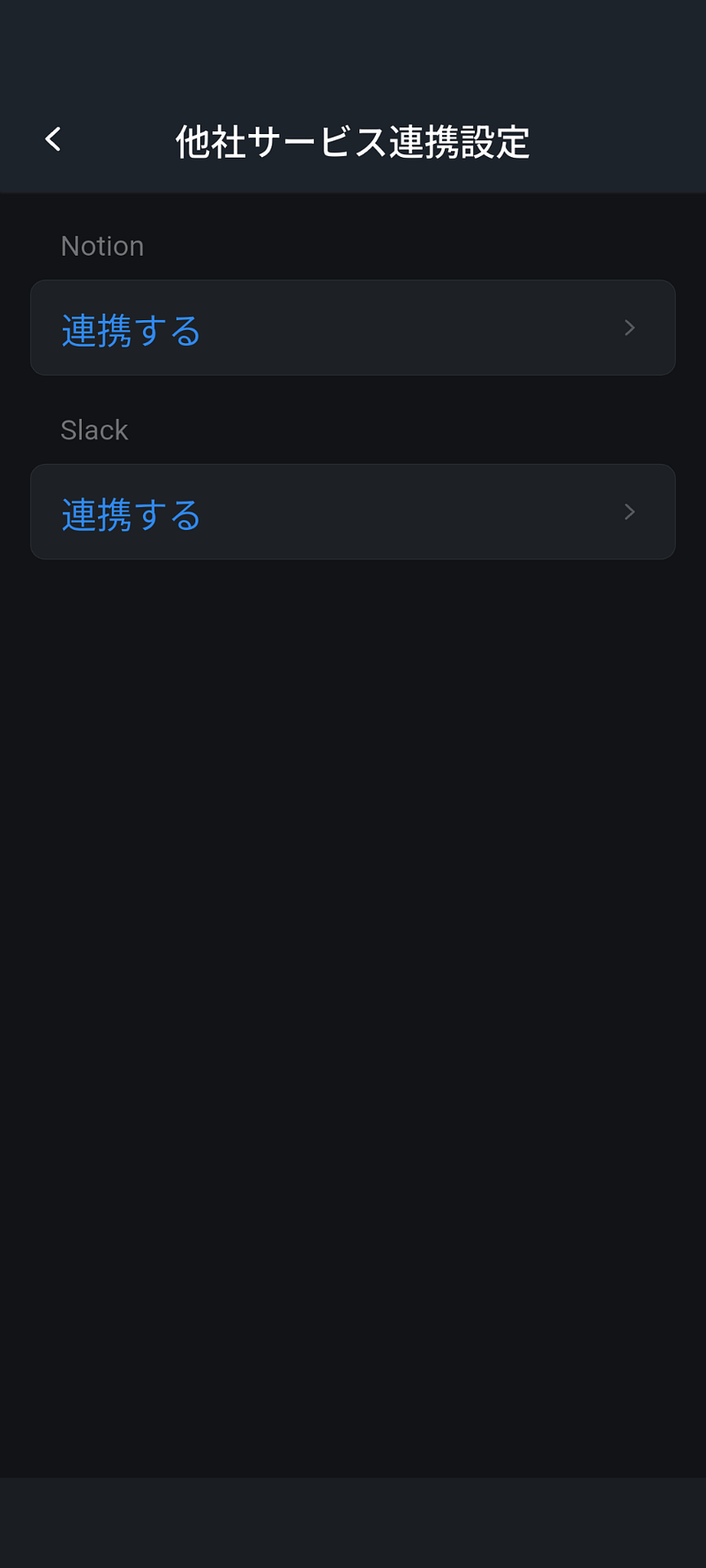
Third-Party Integrations — Supports Notion and Slack.
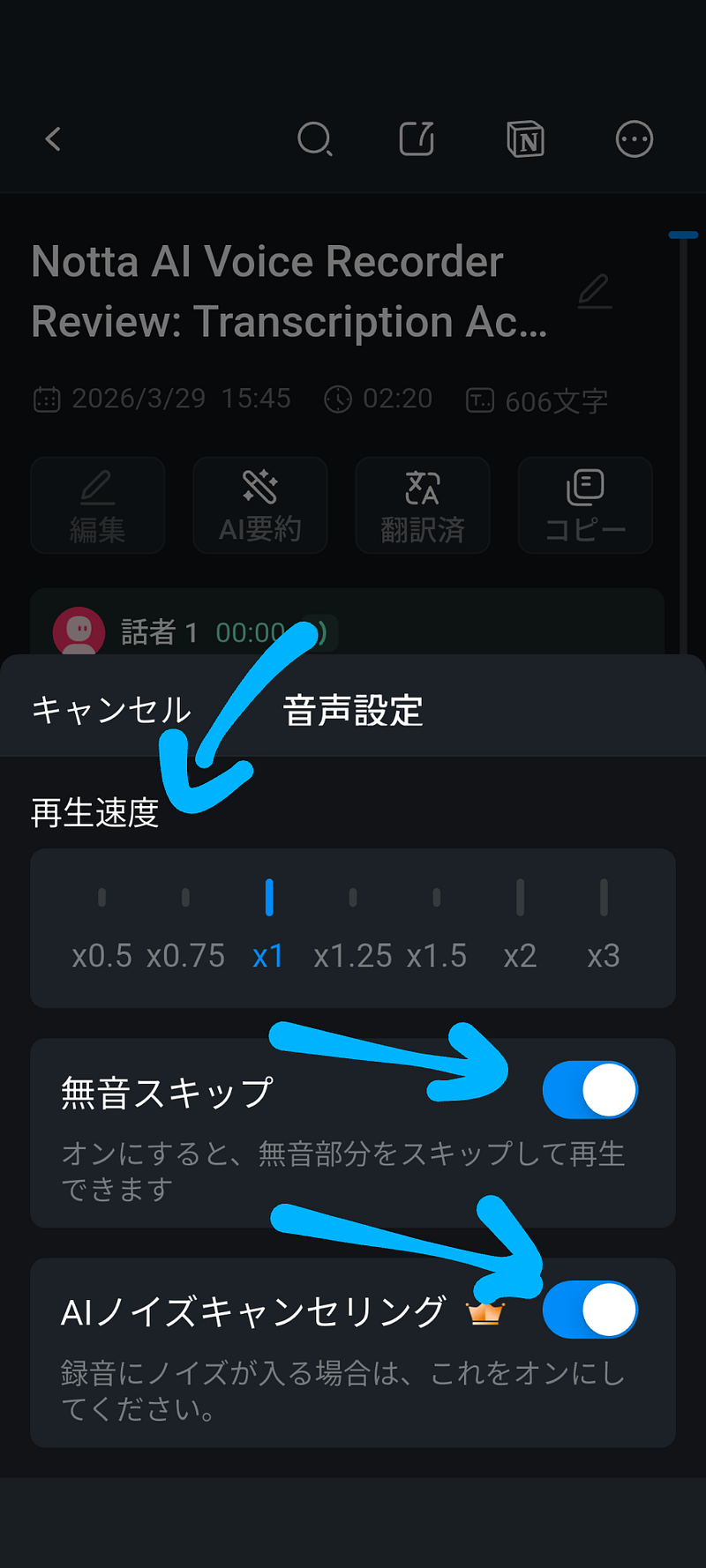
AI Noise Cancellation & Silence Skip — Cleans up playback and skips dead air. A lifesaver for reviewing long recordings.
App Settings — Language settings, notification preferences, workspace management, and member info are all accessible from a clean settings panel.
What I Liked
- High transcription accuracy — 95%+ in both Japanese and English, across conditions
- Premium design & build quality — Diamond-cut texture, Mount Fuji-inspired philosophy
- Dead-simple controls — One button + one switch. No learning curve
- Unified magnetic design — Charging dock, MagSafe mount, cables — everything clicks magnetically
- USB-C support — Direct charging is also possible
- Lifetime free Starter Plan — 300 min/month of AI transcription at no extra cost
What Could Be Better
- Hard to remove from case — A small pull-tab or release trigger would help
- Proprietary charging dock — Forget the dock at home, and you’re stuck (USB-C direct charging works but feels precarious given the thin profile)
- AI features require internet — Recording works offline, but transcription and summaries need cloud processing
Verdict
The Notta Memo is one of the most well-rounded AI voice recorders available today. It handles the full pipeline — record, transcribe, translate, summarize — in a single, pocketable device.
Its standout strength is Japanese transcription accuracy, making it an especially compelling choice for Japanese speakers. But English performance is strong too, and the lifetime free Starter Plan sweetens the deal for cost-conscious buyers.
If you’ve ever thought “I should record this, but it’s too much hassle” — Notta Memo makes it effortless.
👉 Get Notta Memo: Official Site | Amazon.com | Amazon.co.jp
Notta Official Site: https://www.notta.ai/
This article was produced with a product provided by Notta Inc. All opinions are based on my own hands-on experience.
S.


コメント