- The
- The Problem Nobody Talks About
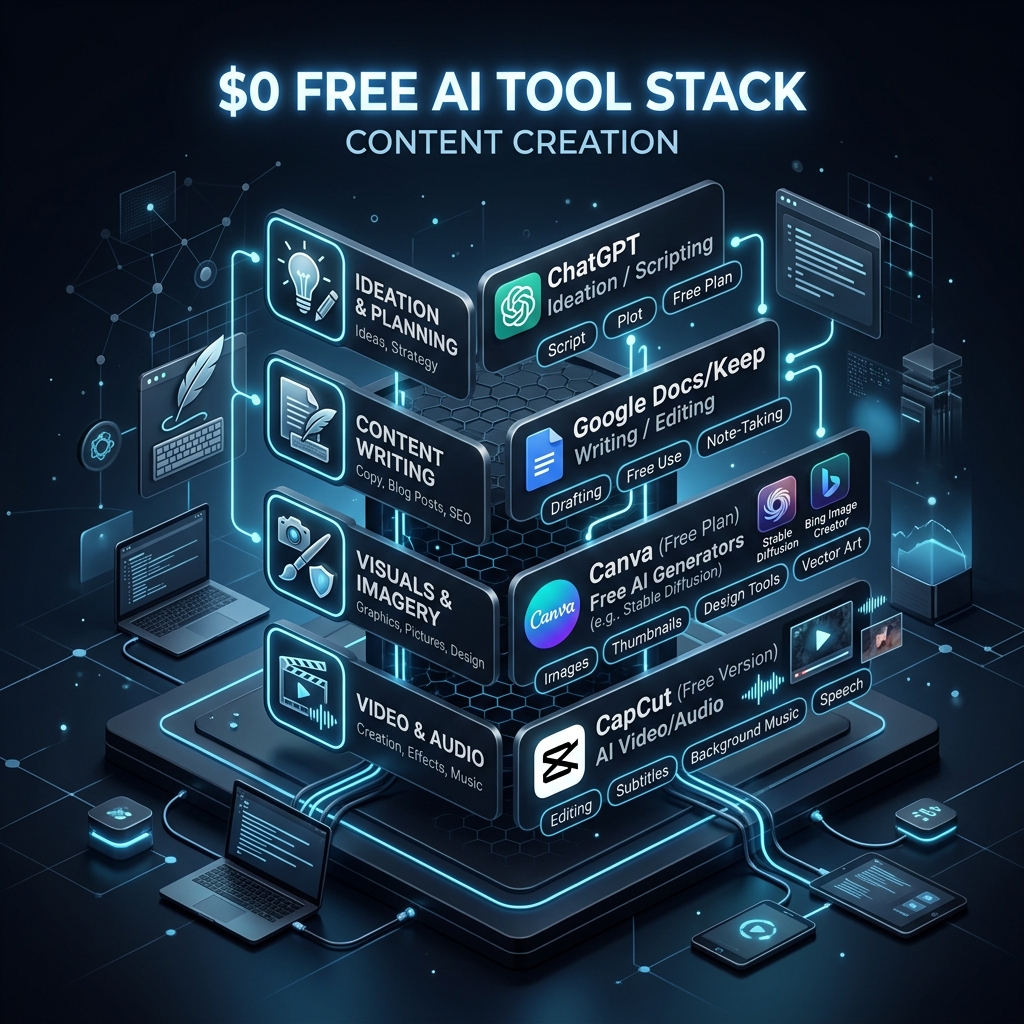
- The Stack at a Glance
- Layer 1: The Text Brain — Where Free Models Actually Win
- Layer 2: Visual Content — The Hardest to Replace for Free
- Layer 3: The Workflow Glue
- The Real Trade-Offs — What I Actually Lost
- The Revenue Side: Does
- When You Should NOT Use the
- Getting Started: The Minimum Viable Stack
- What This Means for the AI Industry
- Turn this idea into a working AI workflow.
The The $0 AI Stack: How I Run My Content Business on Free-Tier APIs in 2026
AI Stack: How I Run My Content Business on Free-Tier APIs in 2026
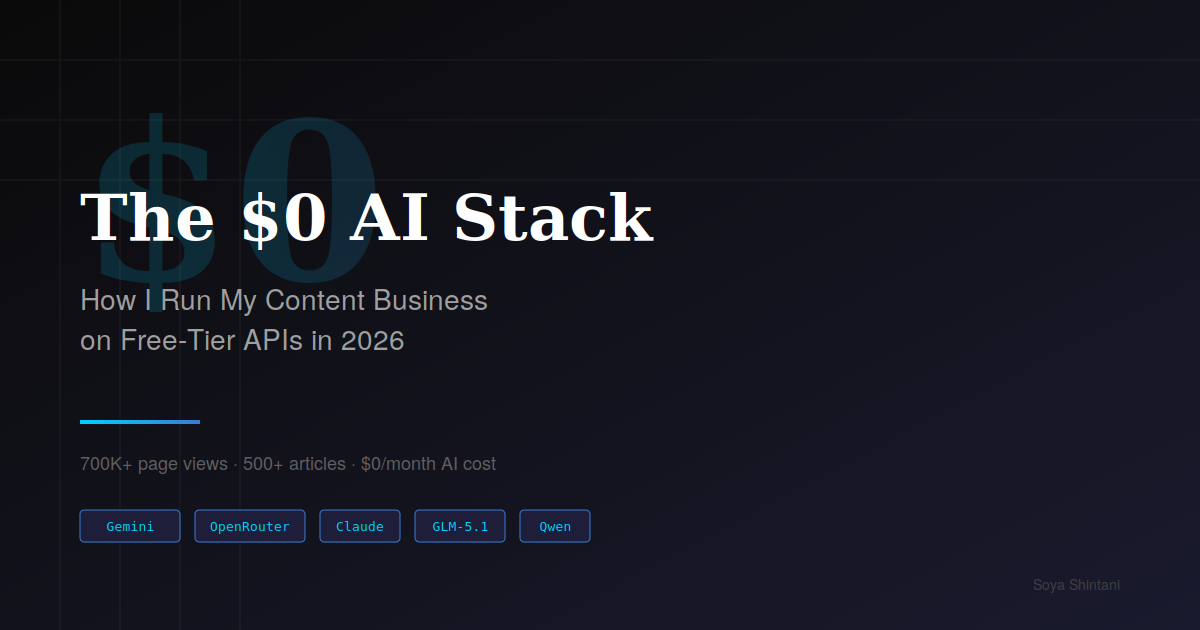
I spend $0 per month on AI APIs and run a content business that has generated over 700,000 page views across 500+ articles. Here's the exact stack, the trade-offs, and whether it's actually worth it.
The Problem Nobody Talks About
Every "AI for creators" guide assumes you're paying $20/month for ChatGPT Plus or $200/month for Claude Pro. The advice is always the same: subscribe, prompt, profit.
But what if you can't — or won't — spend that money?
I live in rural Japan. My content business runs on sponsorship deals, not venture capital. Every dollar matters. So over the past year, I've systematically replaced every paid AI subscription with free alternatives. Not as an experiment — as my actual production workflow.
This article isn't theoretical. These are the tools I used to write, research, and publish content this week.
The Stack at a Glance
Here's what replaced what:
| Paid Tool (Cost/mo) | Free Replacement | What I Lost |
|---|---|---|
| ChatGPT Plus ($20) | Gemini 2.5 Flash (free tier) + Qwen 3.5 via OpenRouter | GPT-4o image generation |
| Claude Pro ($20) | Claude free tier + GLM-5.1 API | Extended thinking, higher rate limits |
| Midjourney ($10) | Google AI Studio (Imagen) + Canva free | Consistent style control |
| Grammarly Premium ($12) | LanguageTool (free) + Claude free tier | Tone detection |
| Total: $62/mo | Total: $0/mo | See trade-offs below |
Annual savings: $744.
Layer 1: The Text Brain — Where Free Models Actually Win
The core of any content workflow is text generation: drafting, editing, summarizing, translating. This is where free tiers have become genuinely competitive in 2026.
My primary rotation:
Google AI Studio (Gemini 2.5 Flash) handles 60% of my text work. The free tier offers generous rate limits, and Flash is fast enough for iterative drafting. I use it for first drafts, outline generation, and translation between Japanese and English. The 1-million-token context window — available even on the free tier — is absurd. I regularly feed it 30,000-word documents for summarization.
OpenRouter Free Models fill the gaps. Qwen 3.5-7B (:free tag) is surprisingly capable for structured tasks: JSON generation, data extraction, and template-based content. I route simple classification tasks here to preserve my Gemini quota.
Claude Free Tier is my editor. I save my limited daily messages for the highest-leverage task: final-pass editing of articles before publication. Claude's prose quality remains unmatched, even at the free tier. The key is batching — I don't use Claude for brainstorming. I bring it a near-finished draft and ask for specific improvements.
GLM-5.1 API is the secret weapon. Zhipu AI's pricing is so low ($0.07/M input tokens) that even minimal usage stays under $1/month. I use it as a coding assistant through Claude Code's model routing feature — a workflow I documented in a previous article. For non-code tasks, their free web interface handles Chinese-language research that no Western model matches.
The Rotation Logic
I don't use one model for everything. I route by task type:
- Creative drafting → Gemini 2.5 Flash (quality + speed)
- Structured output → Qwen 3.5 via OpenRouter (reliable JSON)
- Final editing → Claude free tier (prose quality)
- Code assistance → GLM-5.1 API (cost: near-zero)
- Research in Chinese → GLM web interface or Kimi (free)
- Quick factual queries → Perplexity free tier
This rotation means no single service hits its rate limit.
Layer 2: Visual Content — The Hardest to Replace for Free
Image generation is where the free stack struggles most. Let me be honest about the trade-offs.
What works:
- Canva Free covers 80% of my thumbnail and social media needs. The free AI image generator produces acceptable quality for blog headers. Not stunning — acceptable.
- Google AI Studio (Imagen) generates images through the Gemini API free tier. Quality has improved dramatically. I use this for article illustrations where "good enough" is truly good enough.
What doesn't work:
- Consistent brand identity across generated images. Midjourney users develop recognizable visual styles. Free tools don't offer this level of control.
- Batch generation. When I need 10 variations of a concept, free tiers run out of quota fast.
My workaround: I've shifted my content strategy toward text-heavy formats. Instead of image-rich listicles, I write analytical pieces where one or two well-chosen visuals suffice. This isn't a limitation I'm hiding — it's a genuine strategic trade-off. My highest-performing articles (by page views and sponsorship revenue) have always been the deep analytical ones, not the visual showcases.
Layer 3: The Workflow Glue
The tools between the tools matter as much as the AI models themselves.
Notion (free tier) is my content management system, editorial calendar, and Media Kit host. The free tier supports unlimited pages and blocks for individual use.
GitHub Pages (free) hosts my portfolio site. Zero hosting cost, version-controlled, and fast enough for a professional landing page.
Cloudflare (free tier) provides DNS, email routing (contact@hellosoya10.tech), and basic analytics. The free plan is genuinely generous — I route my custom domain email through it at zero cost.
Obsidian (free, local) is my writing environment. No cloud subscription needed. I write in Markdown, which publishes directly to both note.com and Medium with minimal reformatting.
The Real Trade-Offs — What I Actually Lost
I'd be dishonest if I said free tools perfectly replace paid ones. Here's what I genuinely miss:
Speed of iteration. Paid tiers let you rapid-fire prompts without watching rate limits. On free tiers, I sometimes wait or switch tools mid-task. This adds maybe 15–20 minutes to my daily workflow.
Extended thinking / deep reasoning. Claude Pro's extended thinking mode and Gemini Advanced's longer reasoning chains produce noticeably better output on complex analytical tasks. I compensate by breaking complex tasks into smaller steps — which sometimes produces better results, but always takes longer.
Image consistency. As mentioned above. This is the one area where I'd re-subscribe if my revenue justified it.
Priority access during peak hours. Free tiers occasionally throttle. I've adapted by doing AI-intensive work during off-peak hours (early morning JST, which is overnight in the US).
The Revenue Side: Does The Revenue Side: Does $0 AI Actually Make Money?
AI Actually Make Money?
Here's where "low cost × high leverage" becomes concrete.
My content business generates revenue through sponsorship deals, not subscriptions or ads. My three-tier pricing structure ranges from $200 to $1,500 per sponsored article package. The AI tools are inputs, not products — what sponsors pay for is my audience reach (700K+ cumulative page views) and domain expertise.
Key insight: My sponsors don't care whether I used GPT-4 or Qwen 3.5 to help draft their review. They care about the quality of the final output and the audience it reaches. The $744/year I save on AI tools is pure margin improvement.
For someone starting from zero, the math looks like this:
| Month | AI Cost | Revenue (conservative) | Net |
|---|---|---|---|
| 1–3 | $0 | $0 (building portfolio) | $0 |
| 4–6 | $0 | $200–400 (first sponsorship) | $200–400 |
| 7–12 | $0 | $500–1,500/mo (recurring sponsors) | $500–1,500 |
The break-even on paid AI tools ($62/month) requires $744/year just to justify the subscription. On free tools, your first dollar of revenue is pure profit.
When You Should NOT Use the When You Should NOT Use the $0 Stack
Stack
Honesty matters more than clicks. Here's when you should pay:
If your time is worth more than $5/hour. The free stack adds ~20 minutes/day of friction. At $20/hour, that's $6.67/day or $200/month. If you're billing clients at that rate, pay for the tools.
If you're building a SaaS product. Free API tiers have rate limits and no SLA. Production applications need paid plans.
If image quality is your differentiator. Photographers, designers, and visual content creators should invest in Midjourney or equivalent.
If you process sensitive data. Free tiers often use your inputs for training. Check each provider's data policy.
Getting Started: The Minimum Viable Stack
If you want to try this today, here's the shortest path:
Sign up for Google AI Studio (free, requires Google account). This alone covers 60% of use cases. Add OpenRouter (free, one API key for multiple models) for backup. Use Claude's free tier for final editing passes. Set up Notion free for project management.
Total setup time: about 30 minutes. Total cost: $0.
What This Means for the AI Industry
The commoditization of AI inference is accelerating. In 2024, GPT-4-level performance cost $20/month. In 2026, equivalent capability is available for free across multiple providers. This trend isn't slowing down.
For individual creators, this is unambiguously good news. The barrier to entry for AI-assisted content creation has dropped to zero. What differentiates you is no longer your AI budget — it's your expertise, your perspective, and your ability to combine tools intelligently.
The $0 AI stack isn't a hack or a workaround. It's the new baseline.
Soya Shintani writes about low-cost AI workflows and content monetization from rural Japan. 700K+ page views across 500+ articles on note.com and Medium. For sponsorship inquiries: contact@hellosoya10.tech

コメント